



July 15, 2017
This user
1.VPECKER EASYDIAG India software Running Environment
Hardware Environment:
Windows laptop, PC or PAD
CPU speed: more than 1.0G Hz
Memory: more than 1GB
Disk: more than 32 GB
Communication port: Wi-Fi or Bluetooth
Software Environment:
Windows XP, Windows 7, Windows 8, Windows 10
2. VPECKER India Software Installation
2.1 Client Downloading
Access to website:http://www.idutex.com, and then download the file "VPECKER-IN-SETUPVx.xxâ€
2.2 ClientSetup
Unzip VPECKER-IN-SETUPVx.xx and run setup.exe:
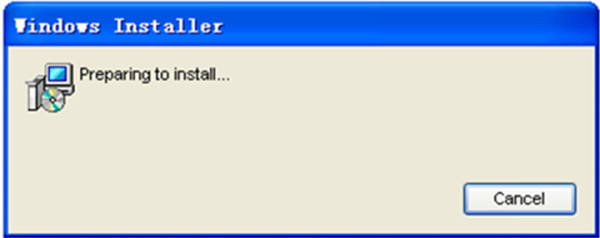
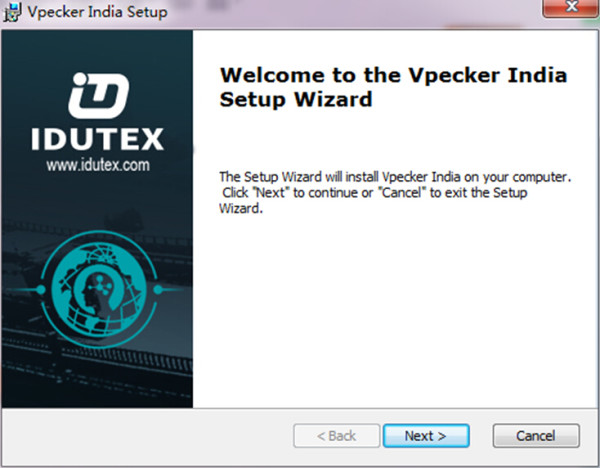
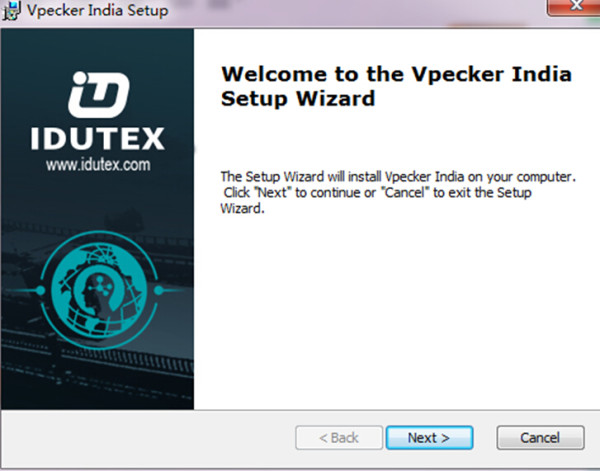
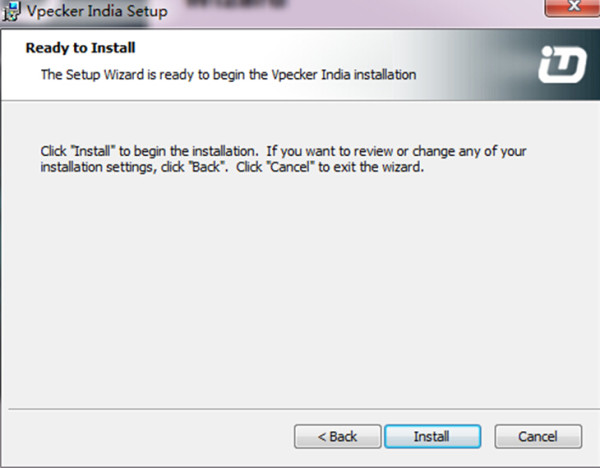
Please click "Installâ€.
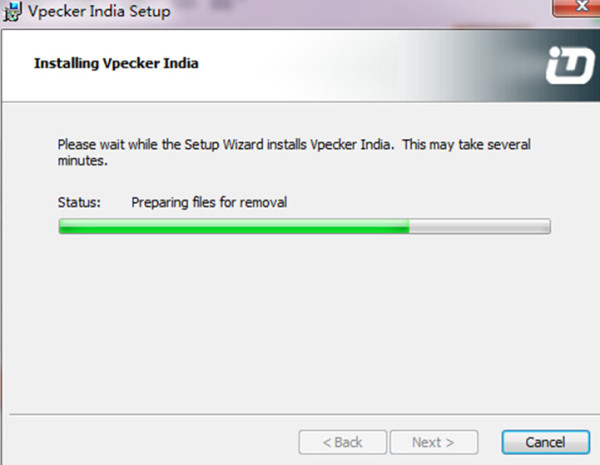
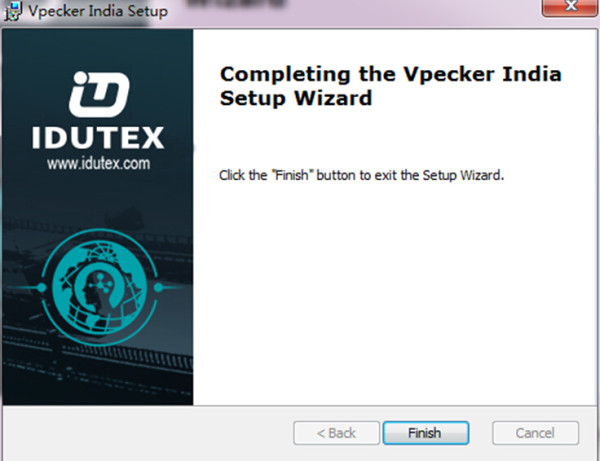
VpeckerIndia diagnostic service system installs successfully.
VPECKER India SoftwareActivation
At first, please keep network working. Run VpeckerIndia APP, then click "Online Store†to get applications.

Please wait ...
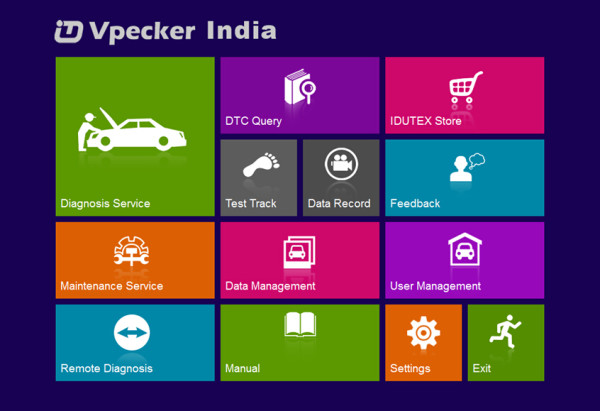
Please click "Online Storeâ€.
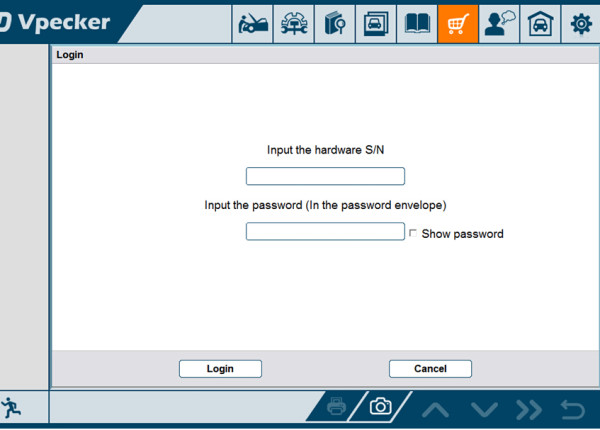
Please enter
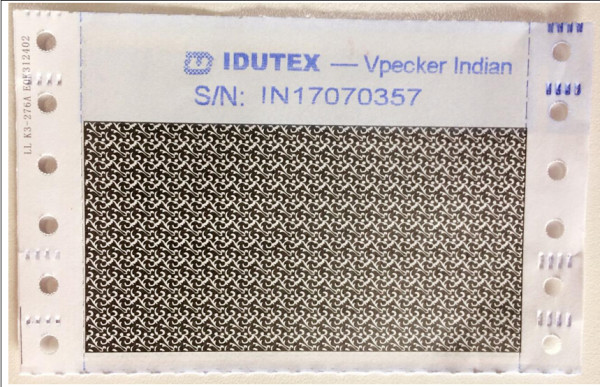
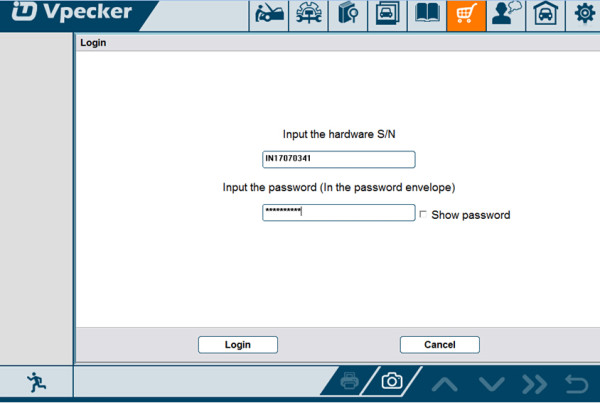
Please
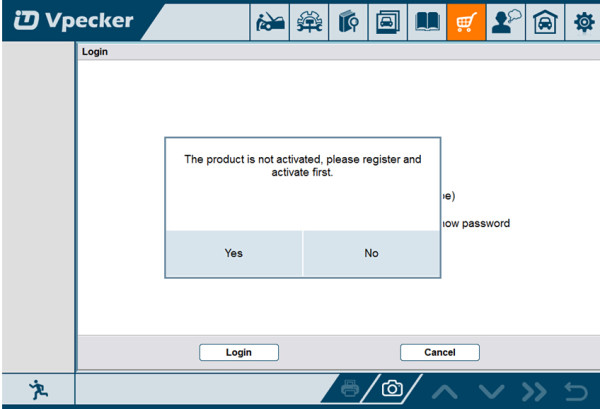
If the product is not activated, please click "Yesâ€.
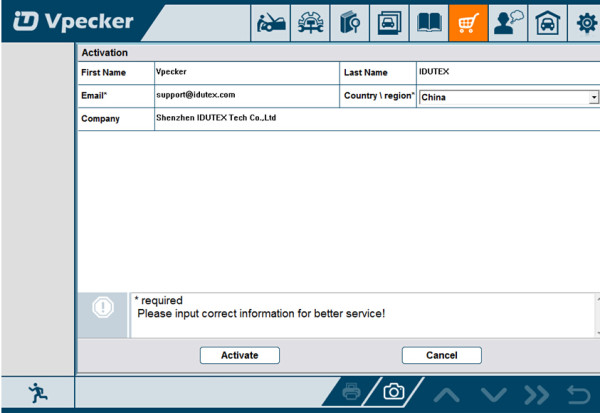
Please input your information, the Email address and country are required, and then click "Activateâ€.
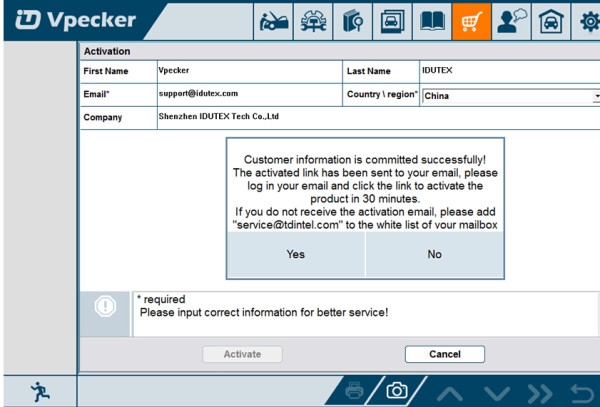
Note:
Your email address must be real in order to get the activated link and the further better service from the manufacturer.The software update reminder and the new product release information will be sent to your email.
If you do not receive the activation email, please add"service@IDUTEX.com" to the white list of your mailbox and try the activation process again.
Company name: company name must be filled in and the length is within 250 characters.
Country: please
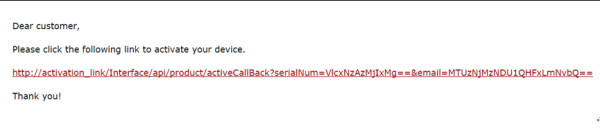
Please click the link to get the confirmation from the manufacturer.

Software Downloads
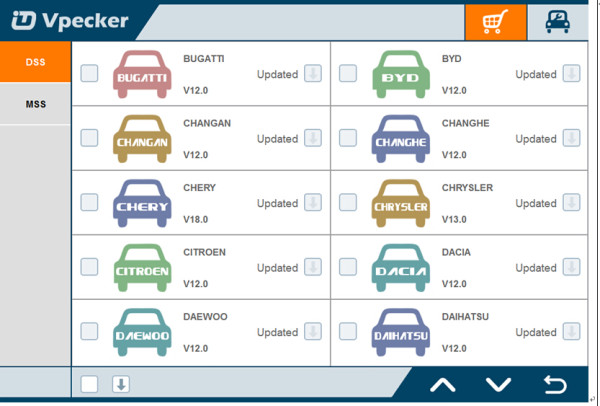
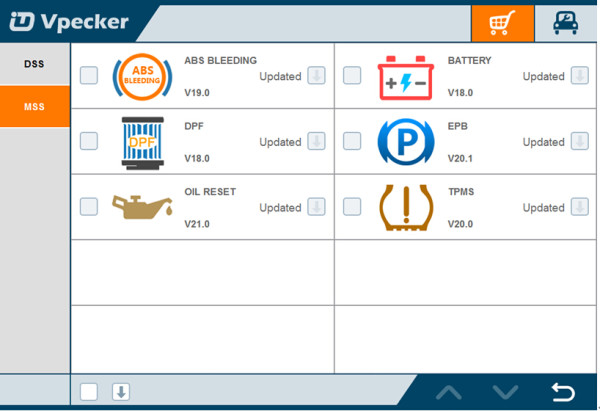
After the activation, please
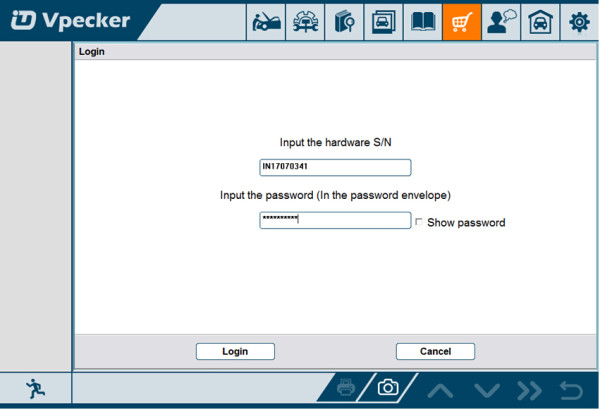
Please, click "Login†to download the software.
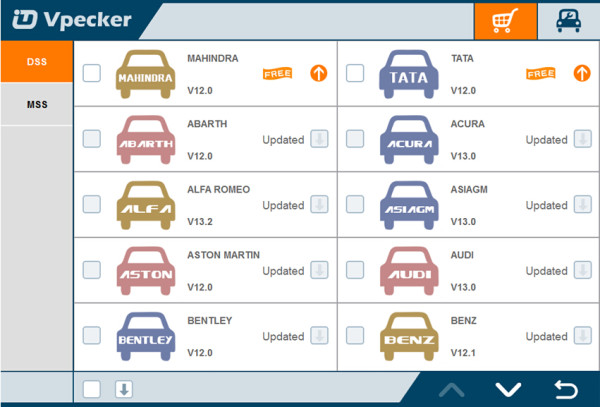
More tech support please
Posted by: OBDexpress.co.uk at
02:44 AM
| No Comments
| Add Comment
Post contains 293 words, total size 13 kb.
35 queries taking 0.0973 seconds, 115 records returned.
Powered by Minx 1.1.6c-pink.

