



July 31, 2017
How to useLonsdorSKP1000 key
(SKP1000 compatible with Chinese and English. Here is the Chinese version CI600 Plus tutorial. They are the same)
Firstly connect the main cable to the machine, then plug the OBDII adapter to the car.
Power on the SKP-1000 tablet machine, until you see the LOGO, press [YES]
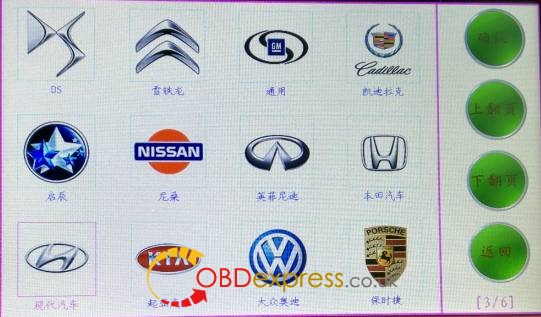
Choose model: Hyundai, press "Confirm†to enter.
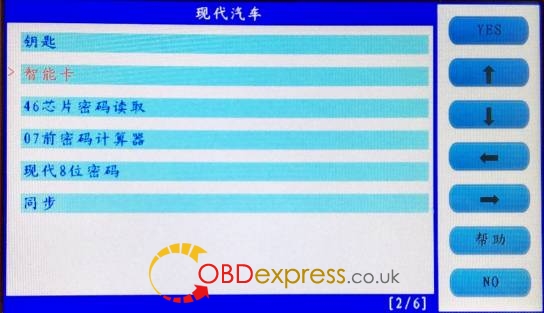
Choose "Smart cardâ€, press "Yes†to enter.
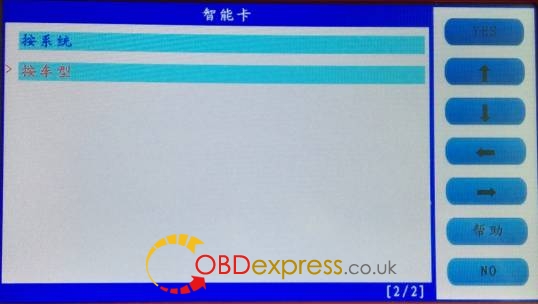
Choose †by car modelâ€, press "Yes†to enter.
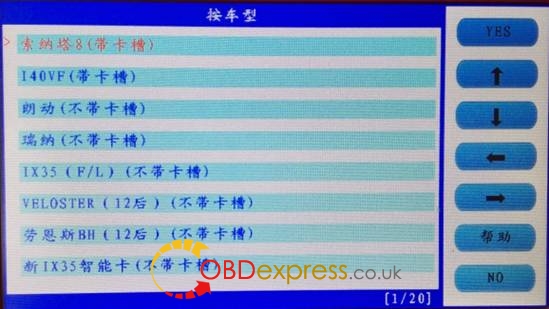
Choose "SONATA 8 (with card slot), press "Yes†to enter.
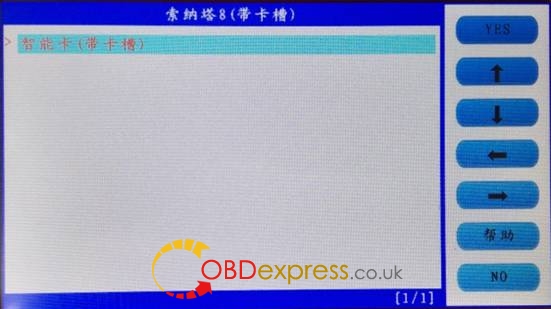
Choose "Smart card (with card slot), press "Yes†to enter.
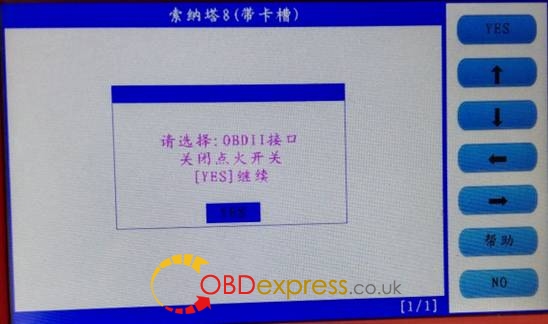
Follow the tip to turn off ignition, press "Yesâ€
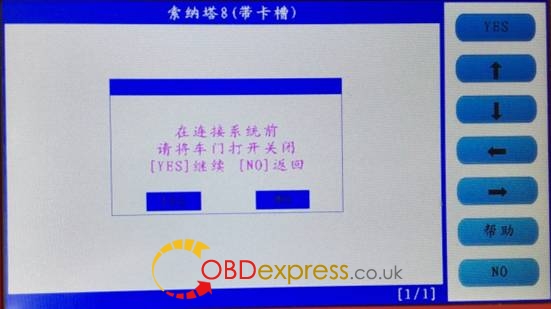
Follow the tip to open the door and close for one time, press "Yesâ€.
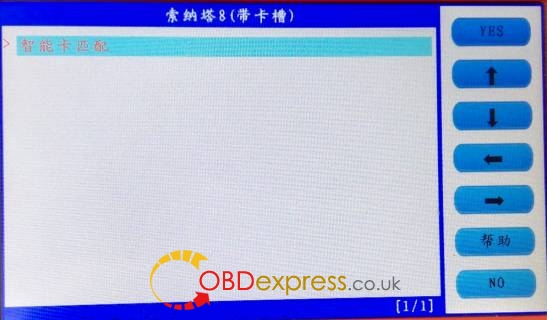
Choose smart card to match, press "Yesâ€
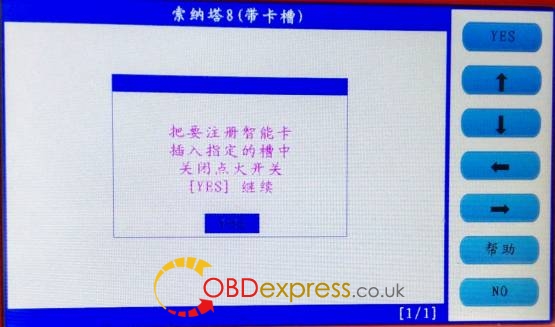
Follow the tip, insert the smart card into the slot, and you can hear alarm sound, turn off the ignition, press "Yesâ€.
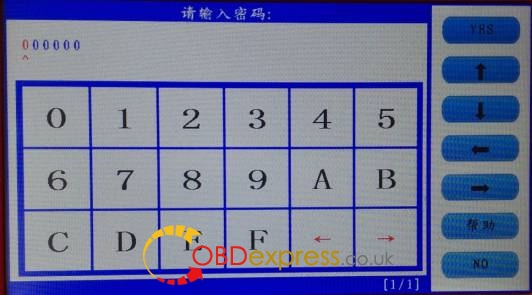
Input the password
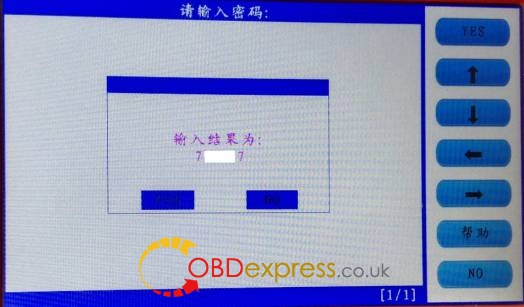
Check if the password is correct, press "Yes†to confirm.
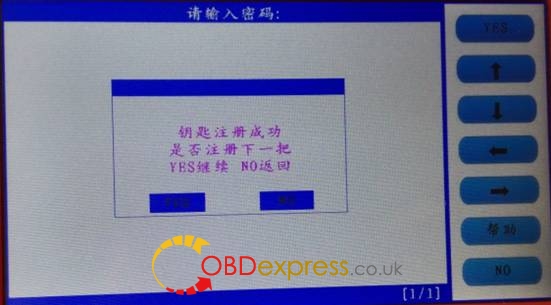
The first smart card program successfully, and it will ask you if you program the next one, press "Yes†to confirm.
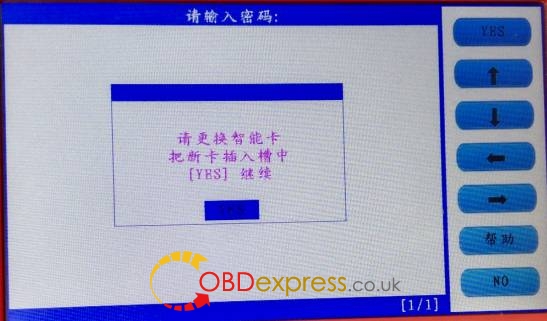
Insert the second smart card into the slot, you can hear the alarm sound, press "Yesâ€.
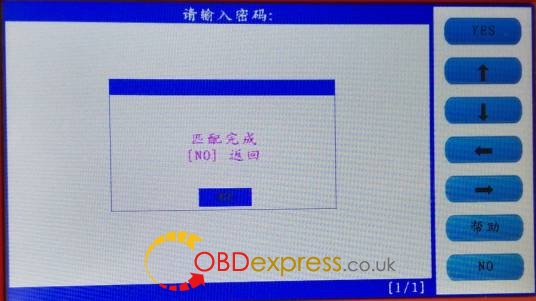
SKP1000 Program Hyundai SONATA 8 key successfully, press "No†to back.
With two new smart card keys, you could start the car, if you need to add more keys, just repeat the above steps.
Done.
Posted by: OBDexpress.co.uk at
06:23 AM
| No Comments
| Add Comment
Post contains 259 words, total size 7 kb.
35 queries taking 0.0588 seconds, 115 records returned.
Powered by Minx 1.1.6c-pink.

