



August 01, 2018
PDF user manual donwload:http://www.obd2eshop.com/upload/service/how-to-use-
Guide:
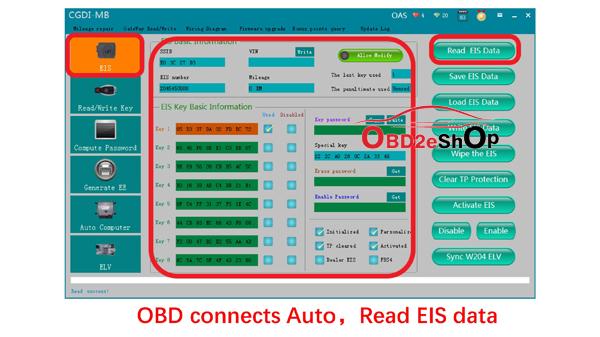
OBD connects Auto,Read EIS data.
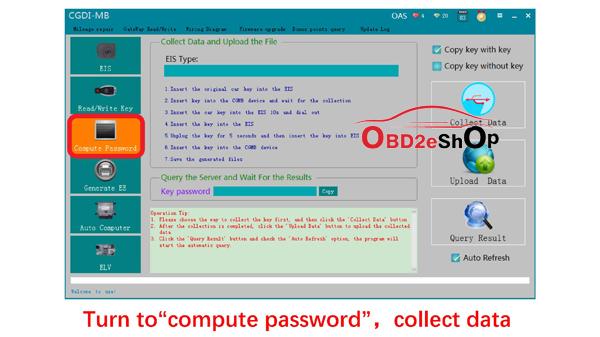
Turn to "
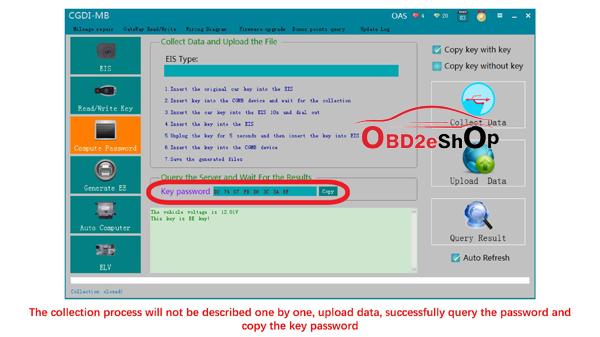
The collection process will not be described one by one, upload data, successfully query the password and copy the key password.

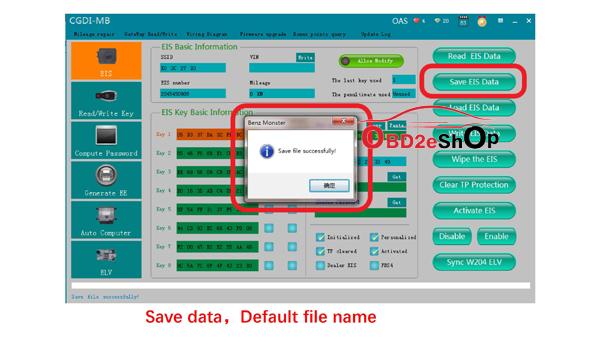
Save data,Default file name.
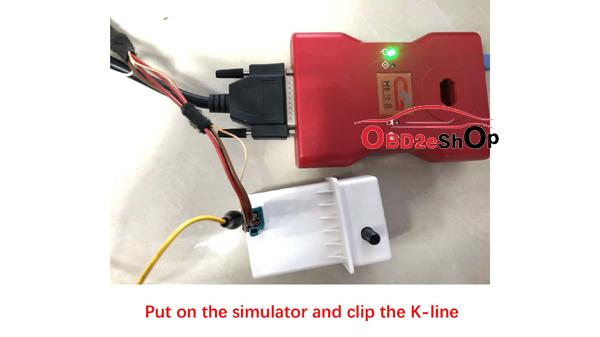
Put on the simulator and clip the K-line
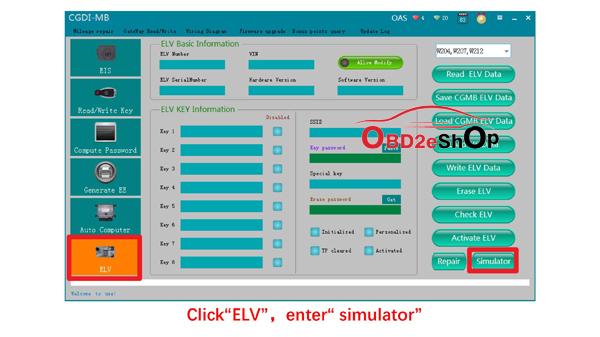
Click "ELV",enter "simulator".
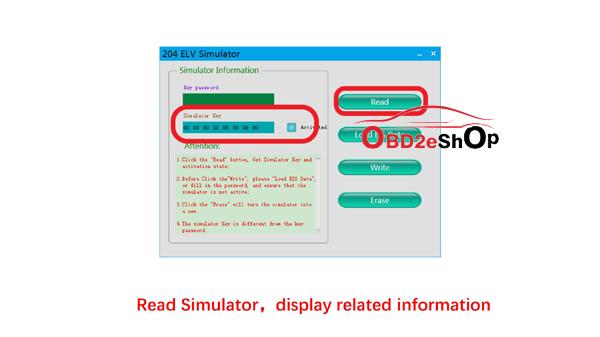
Read Simulator,display related information.
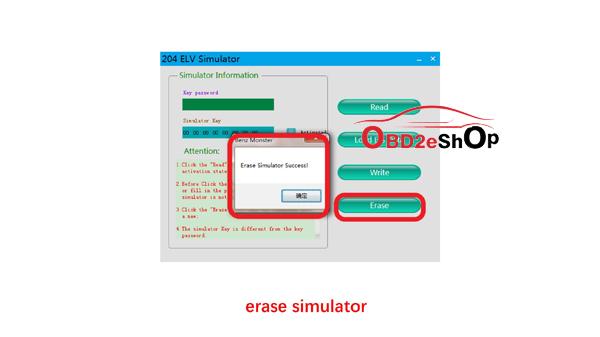
Erase simulator.
Load the EIS data just saved and check whether the key password is correct.

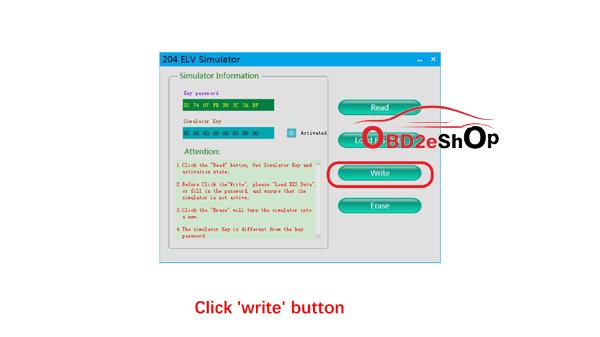
Click 'write' button
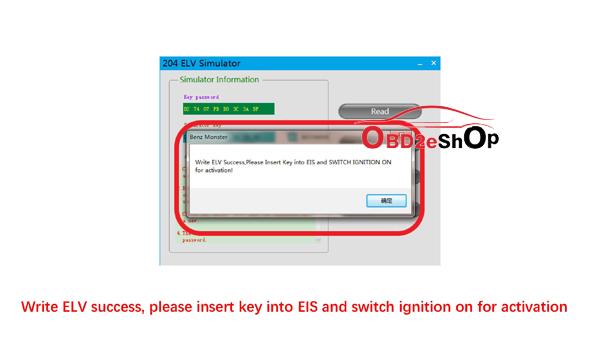
Write ELV success, please
Actual operation

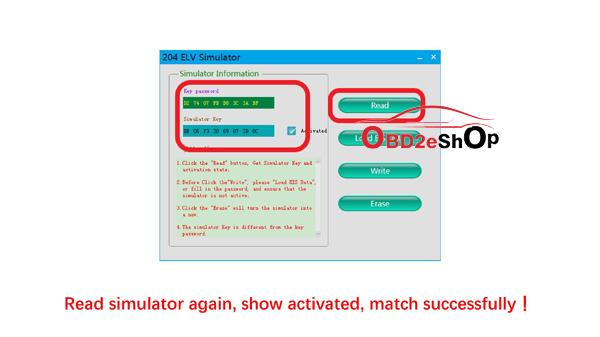
Read simulator again, show activated, match successfullyï¼
Done
Related Reading:
1
2.BENZ W212 Copy key
3.BENZ W216 Copy key
4.BNEZ W211 Copy Key With Key with CGDI Prog MB
5.How to Erase the TCU With CGDI Prog MB
6.How to use CGDI MB ELV Repair
7.How to use CGDI MB Write original key
8.How to use CGDI Prog MB Clean ISM DSM ESM
9
10.How to use CGDI PROG MB Erase ECU
11
12.Mercedes BENZ A166 Copy Key Without Key With CGD Prog MB
13.W221 Empty key Spaces &match new keys
14.W639 Match the new key with CG Pro
Posted by: OBDexpress.co.uk at
02:35 AM
| No Comments
| Add Comment
Post contains 243 words, total size 14 kb.
35 queries taking 0.0274 seconds, 115 records returned.
Powered by Minx 1.1.6c-pink.

