



August 01, 2017
Here is the step -by -step procedure to updateSKP1000 Key ProgrammerFirmware online.
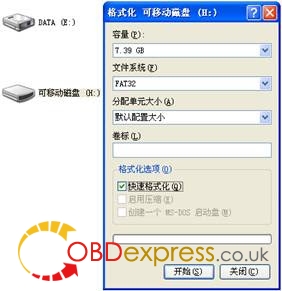
Before update firmware of SKP1000, please take out the TF card and insert it into the card reader, then plug into the computer USB port. Double click "My Computerâ€, find out †local Disk (H , right click to choose "Formatâ€.
Tip: Tick on the "Quick format†and click "Start.
After complete format, go to the official site to download the update file, then copy and paste the file into the TF card,
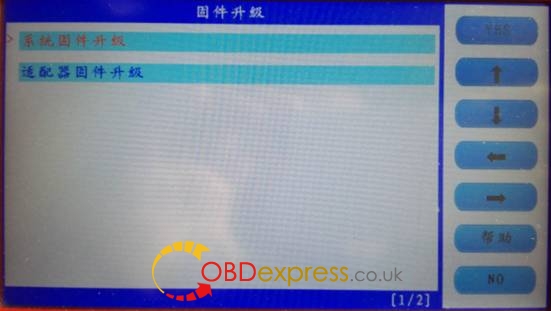
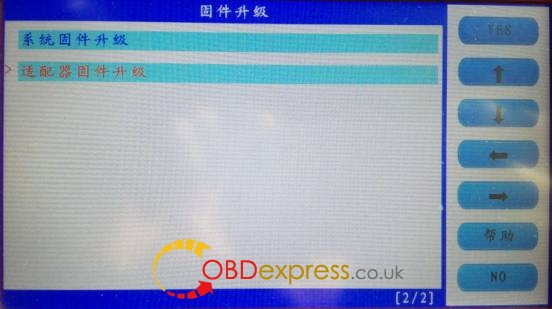
Click on "Firmware updateâ€.

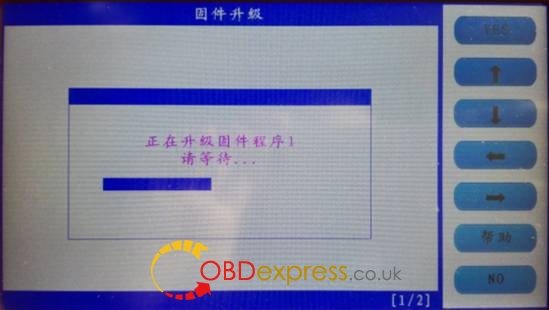
Firstly choose "System firmware updateâ€, press "Yesâ€, the
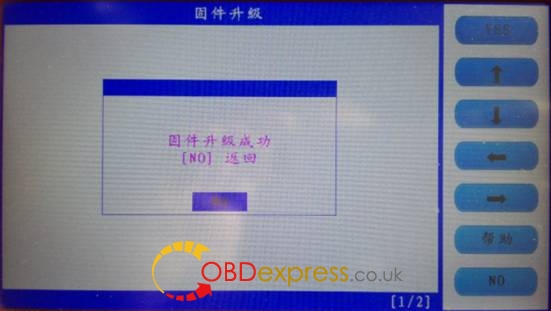
Update successfully shown as below.
Press "No†to back
Choose †Adapter firmware updateâ€,
Done.
Posted by: OBDexpress.co.uk at
02:40 AM
| No Comments
| Add Comment
Post contains 150 words, total size 4 kb.
35 queries taking 0.0379 seconds, 115 records returned.
Powered by Minx 1.1.6c-pink.

