



October 15, 2016
It’s a OBDSTAR product update manual of OBDSTAR F102 F108 F109 pin code reader, X100 pro key programmer, obdstar key master X300 pro3, and obdstar X300M odometer correction tool at
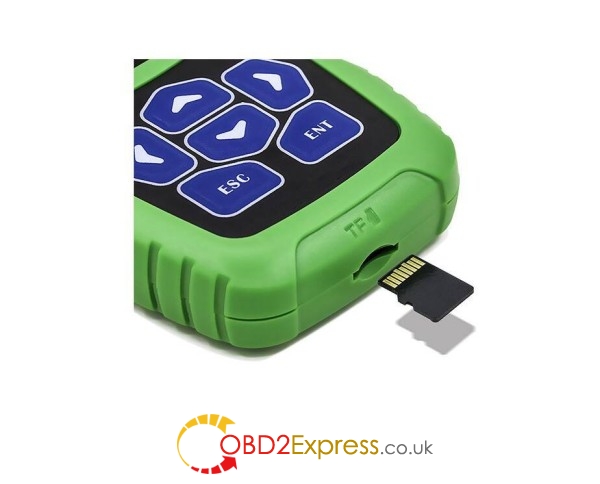
Step 1: Remove the TF card from the OBDSTAR device.
Insert your TF card into computer
Format your TF card and ensure it is empty.
Step 2: Login the OBDSTAR official website:http://www.obdstar.com/
and click "One Key upgradeâ€
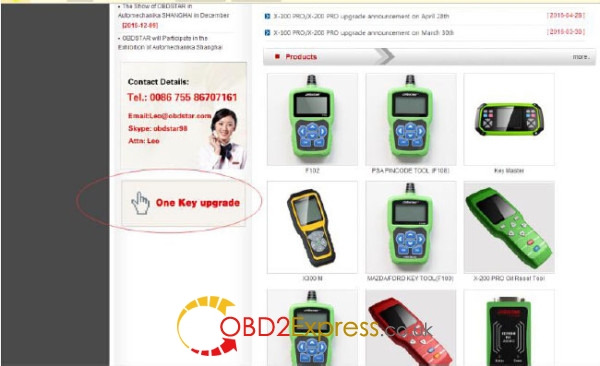
Step3: Download and install the "One Key upgradeâ€. You will see this software.

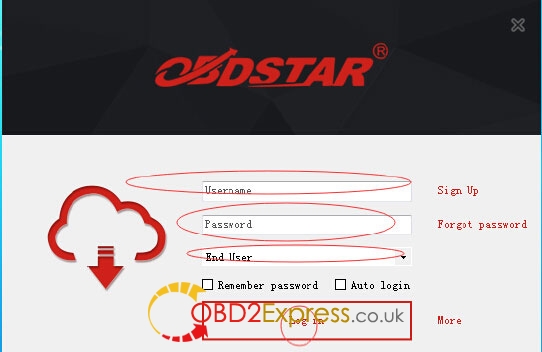
Step4: Open the "one key upgradeâ€.
Input your username and password.
Then select "End User†and click "Log inâ€.
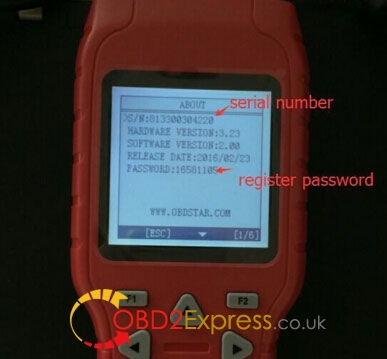
Step5: Input your S/N in obdstar update tool
S/N can be found in About in the main menu
Step6: Select all and click "Upgradeâ€.
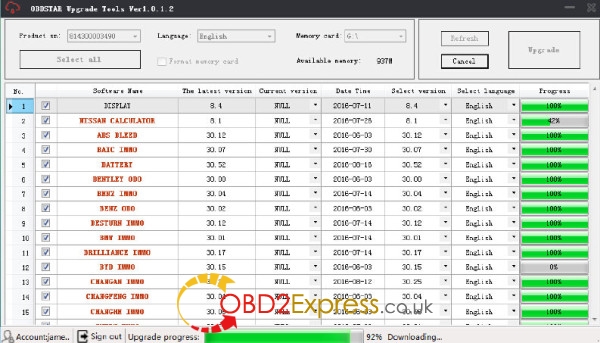
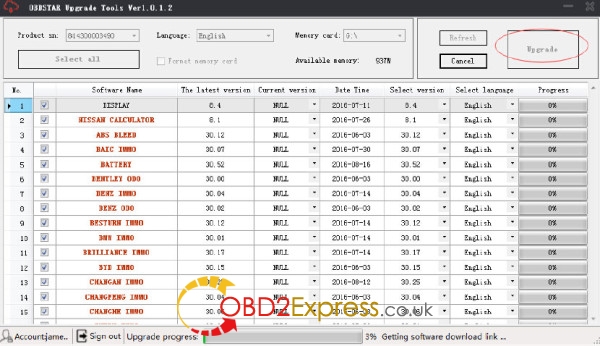
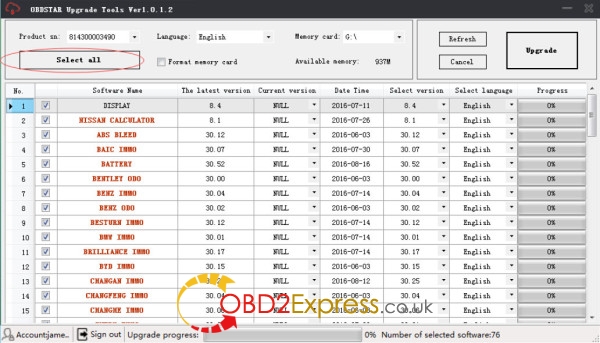
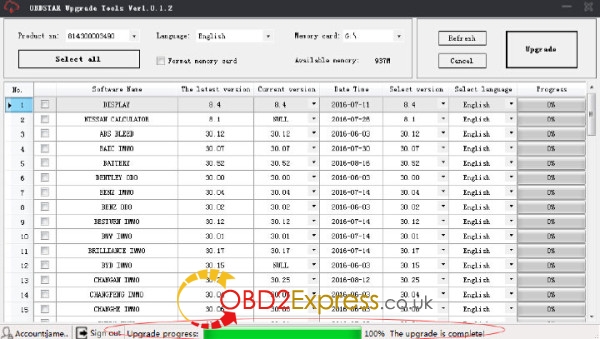
Step7: Upgrade is completed.
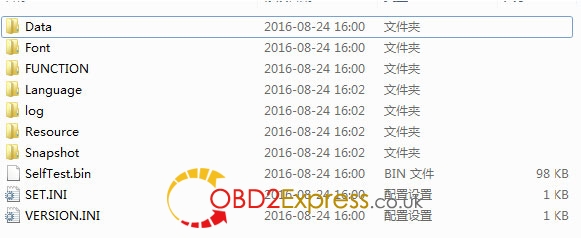
Step8: Open your TF card. You will see these files.
Step9: Remove the TF card from the computer.
Insert your TF card into the obdstar key programmer.
Update success!
Posted by: OBDexpress.co.uk at
09:02 AM
| No Comments
| Add Comment
Post contains 169 words, total size 5 kb.
35 queries taking 0.0326 seconds, 115 records returned.
Powered by Minx 1.1.6c-pink.

