



May 22, 2020
Scania Multi 2019.5 is tested working successfully and obdexpress.co.uk engineer share the win7 32bit installation video.
Procedure:
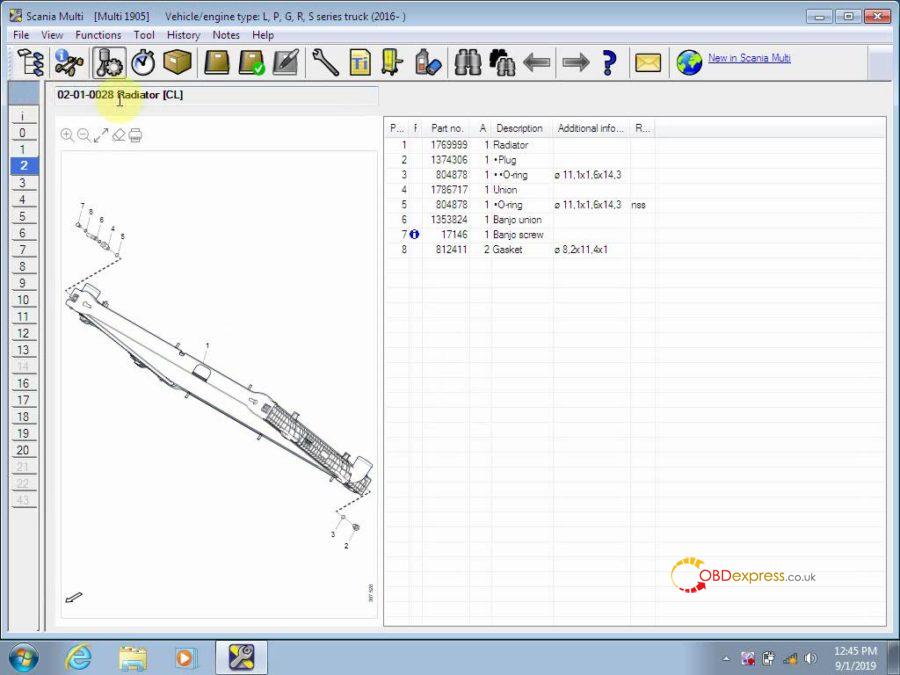
There are 4 pieces of DVD to install, let’s install them one by one ((DVD0 DVD1 DVD2 DVD3). After that to openScania multi 2019.05to check Spare Parts Catalog & Service Information.
Part 1: Install DVD0
Insert
the DVD 0 into the computer, right click on "DVD RW Drive (E Multi
6.0″ and choose †Install or run program from your mediaâ€.
Multi
6.0″ and choose †Install or run program from your mediaâ€.
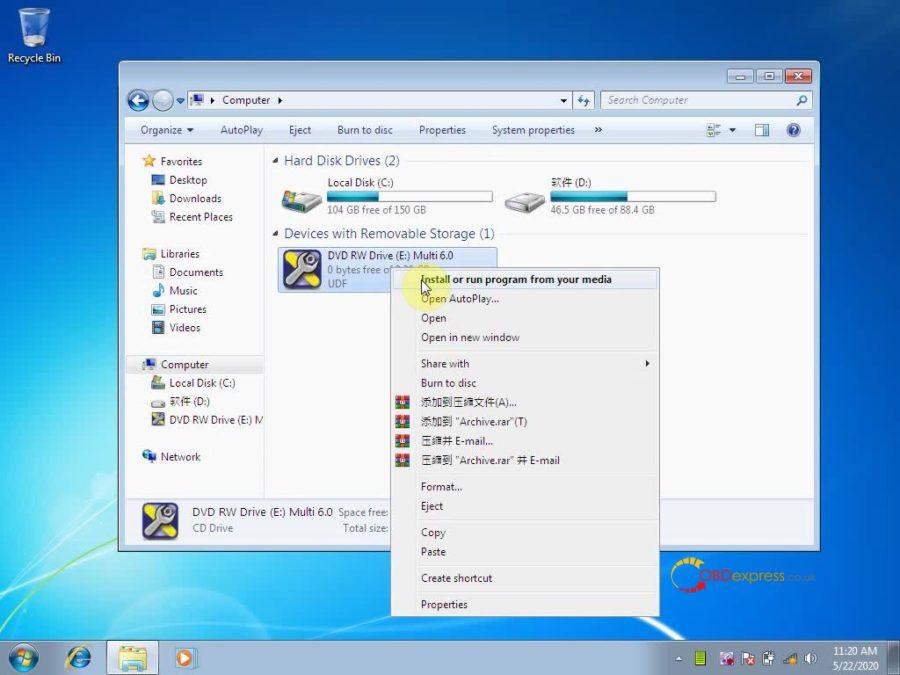
Accept the license to continue the installation;
Next;
Install;
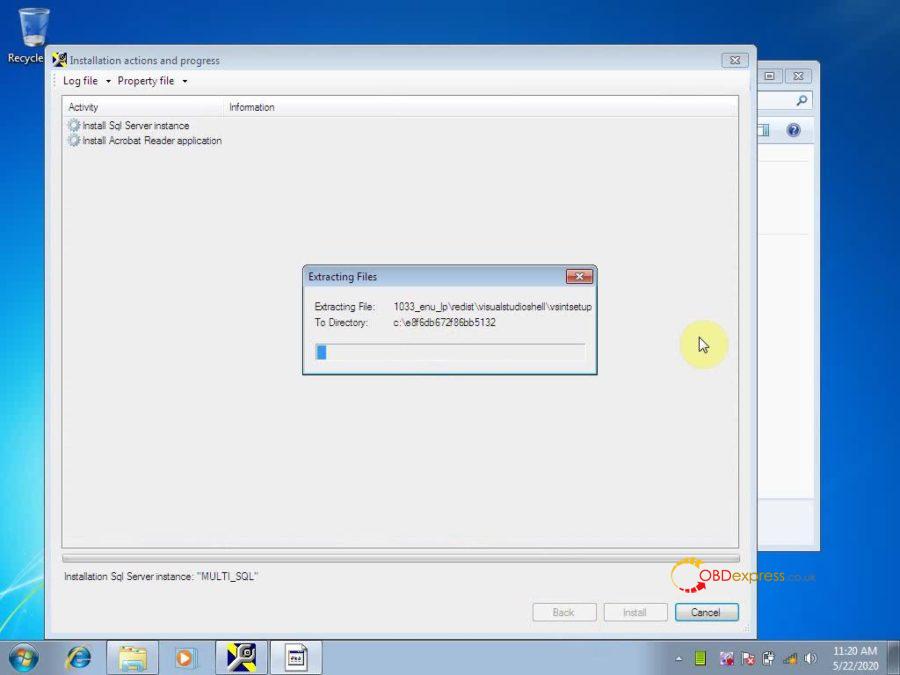
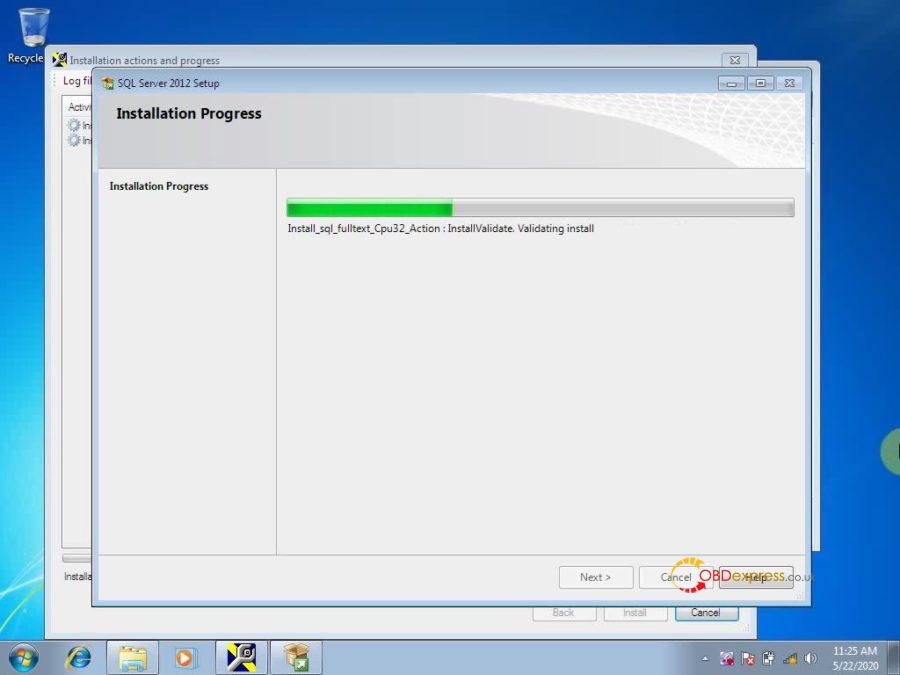
Please wait while Microsoft SQL Server 2012 Setup processes the current operation.
Installation progress.
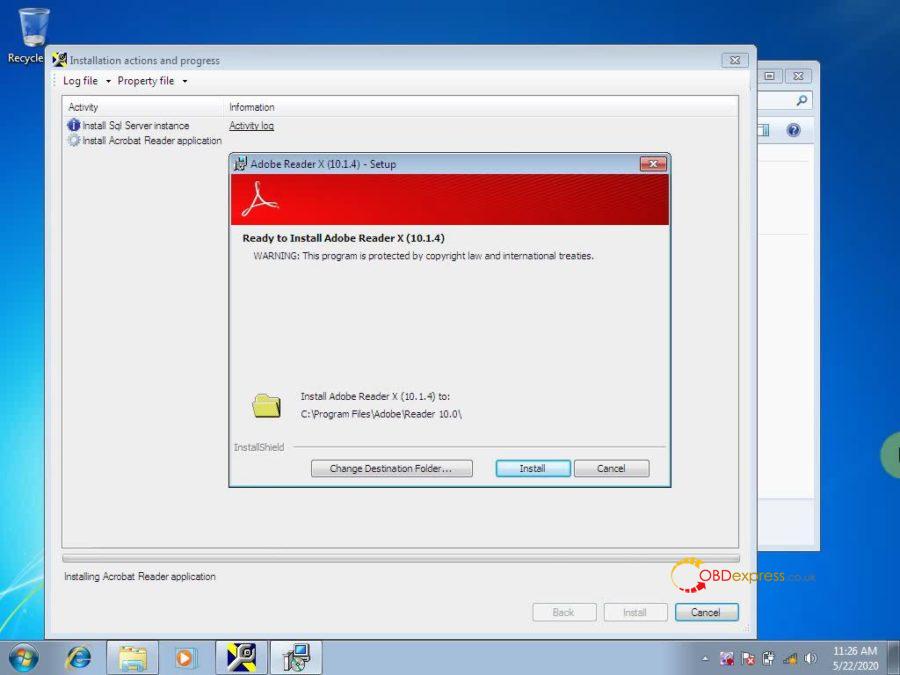
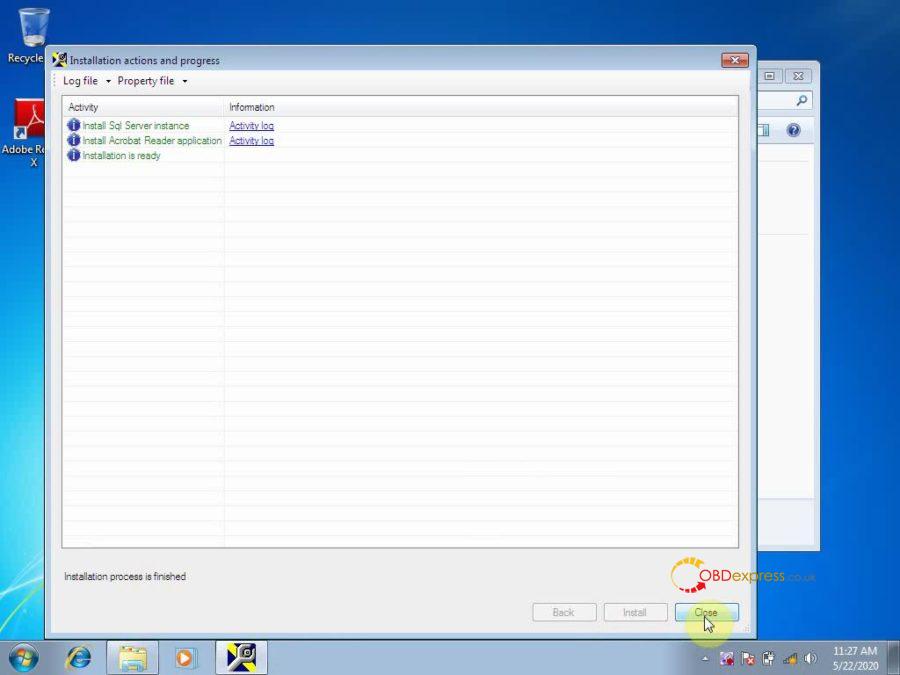
Install Adobe Reader X (10.1.4) until complete.
Installation process is finished.
Part 2: Install DVD 1
Insert DVD 1 into the computer, click on "Run Setup.exeâ€.
Accept the license to continue the installation;
Next;
Extract files from archive E.
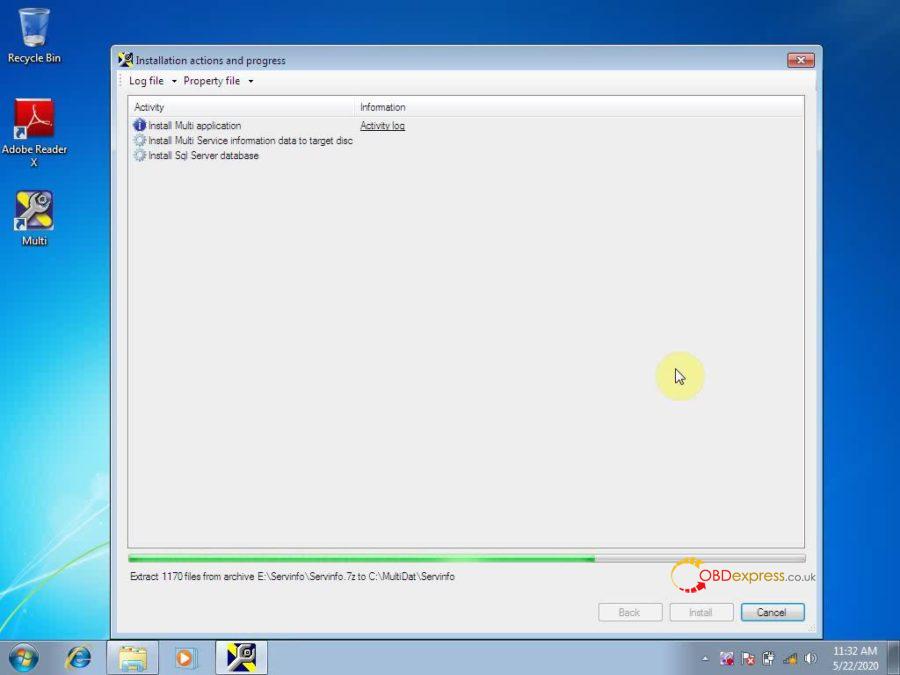
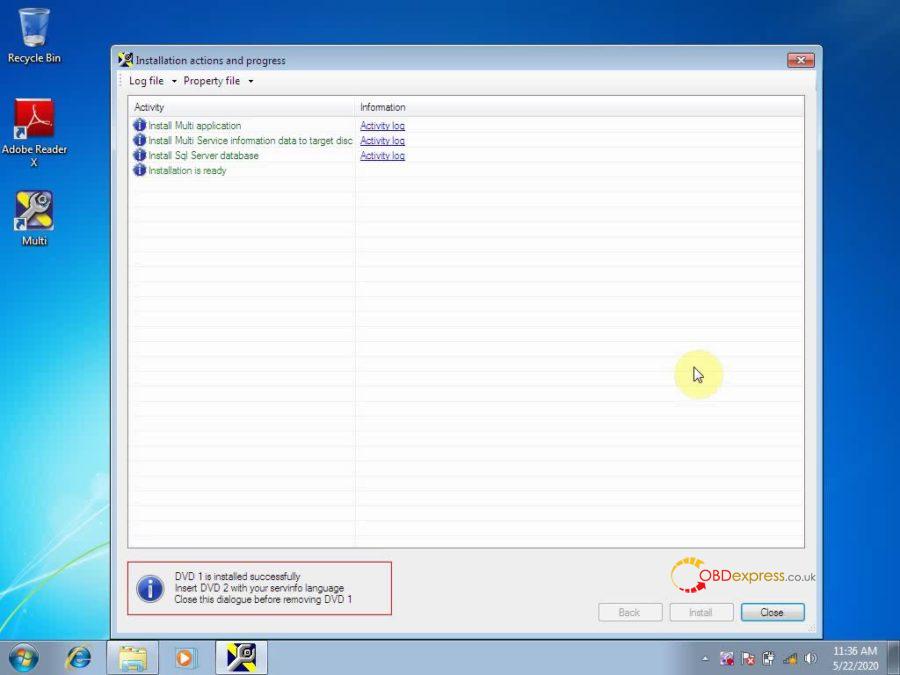
DVD 1 is installed successfully, insert DVD 2 with your servinfo language. Close this dialogue before removing DVD 1.
Part 3: Install DVD 2
Insert DVD 2 into the computer, click on "Run Setup.exeâ€.
Accept the license to continue the installation;
Next;
Extract files from archive E.
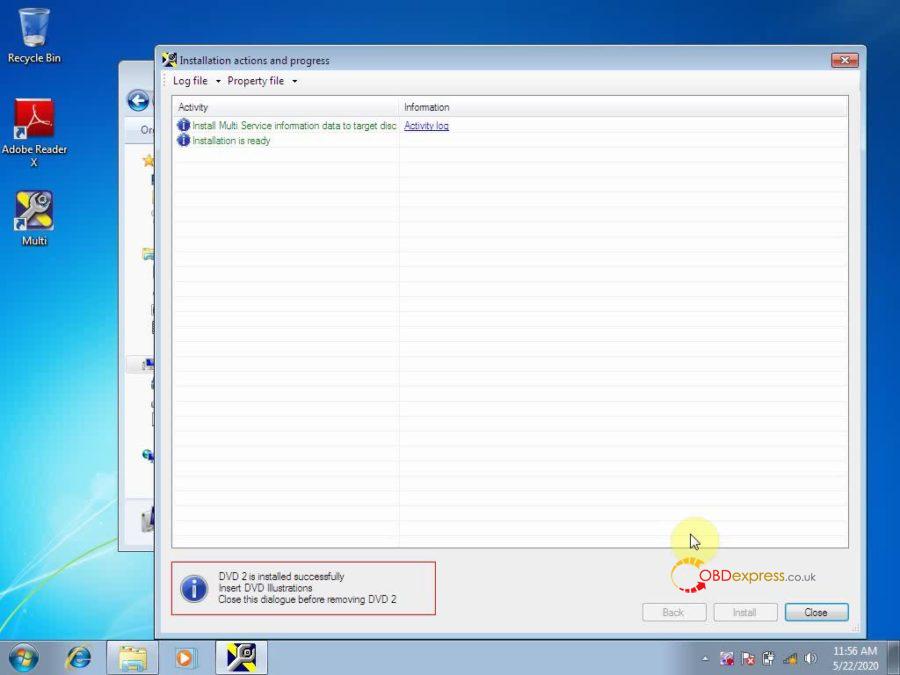
DVD 2 is installed successfully, insert DVD 3 illustrations. Close this dialogue before removing DVD 2.
Part 4: Install DVD 3
Insert DVD 3 into the computer, click on "Run Setup.exeâ€.
Accept the license to continue the installation;
Next;
Extract 65465 files from archive E.
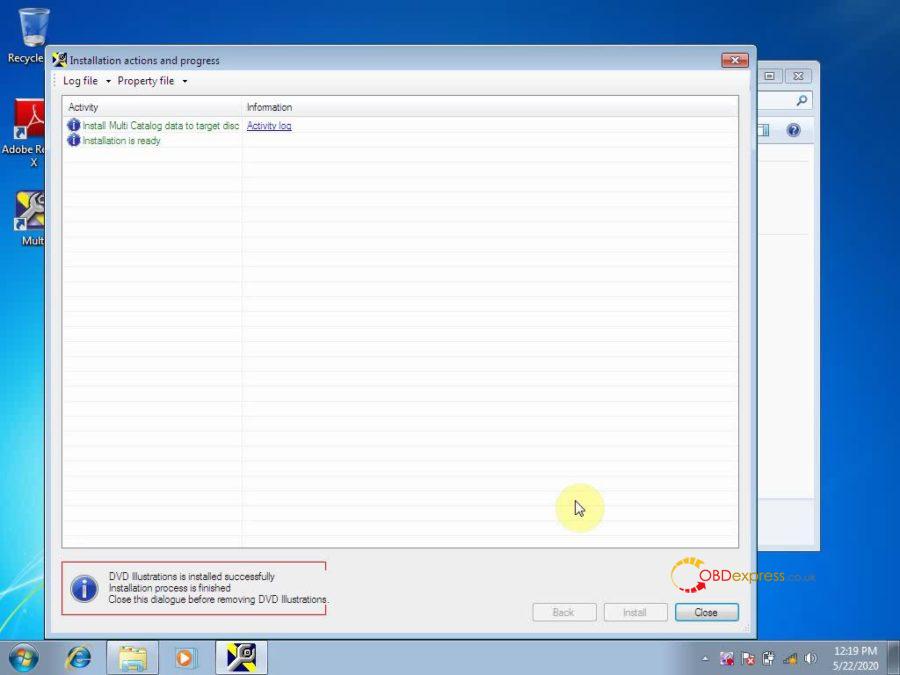
DVD illustrations is installed successfully. Installation process is finished. Close this dialogue before removing DVD illustrations.
Part 5: Open Multi.
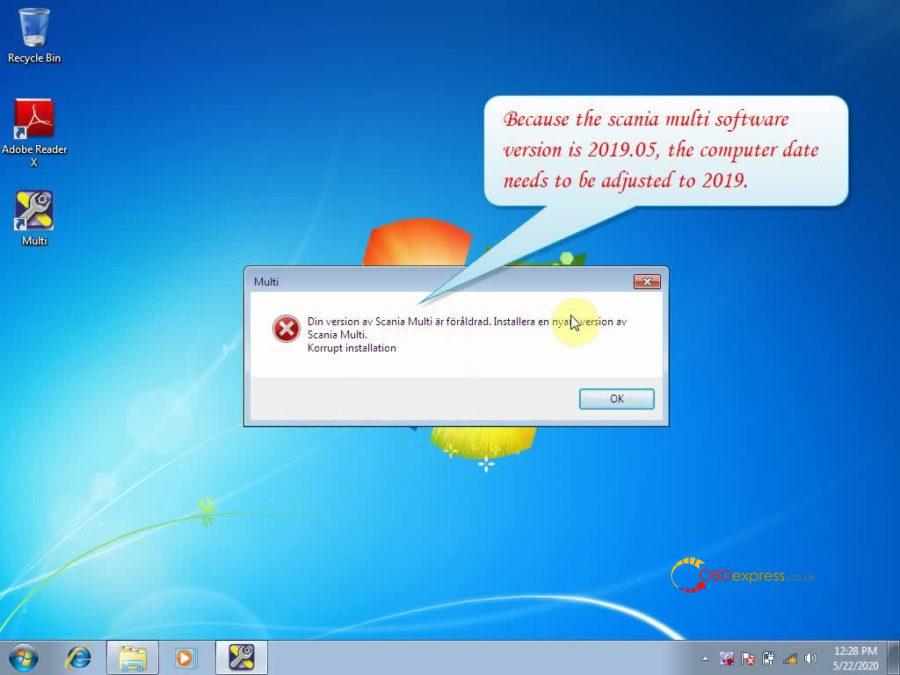
A dialogue pops up saying "Din version av Scania Multi… korrupt installationâ€.
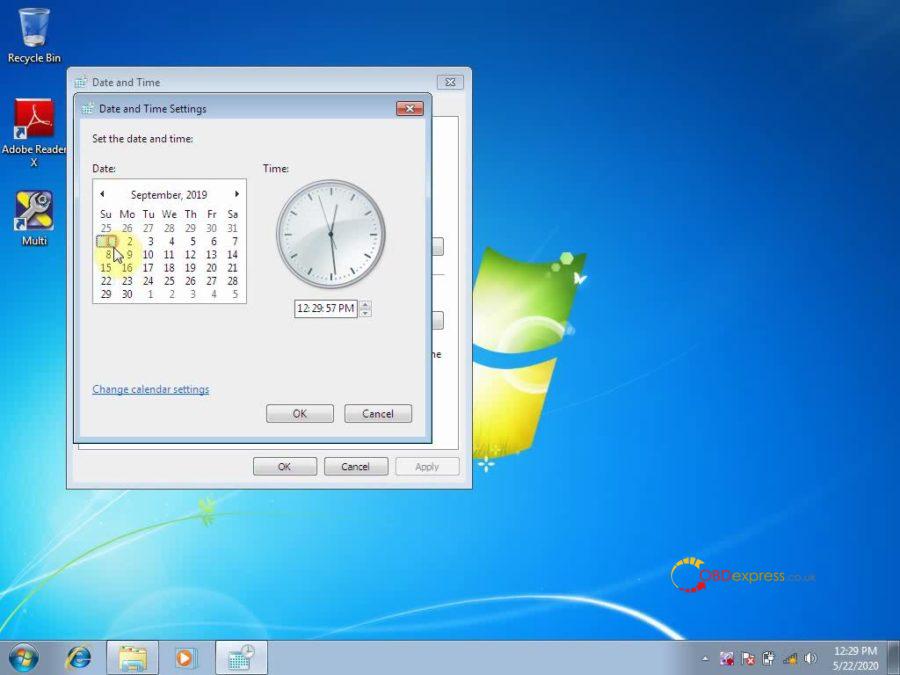
Reason: the scania multi software version is 2019.05, please reset the computer date to 2019.
Again, openMulti, then reset the language you need.
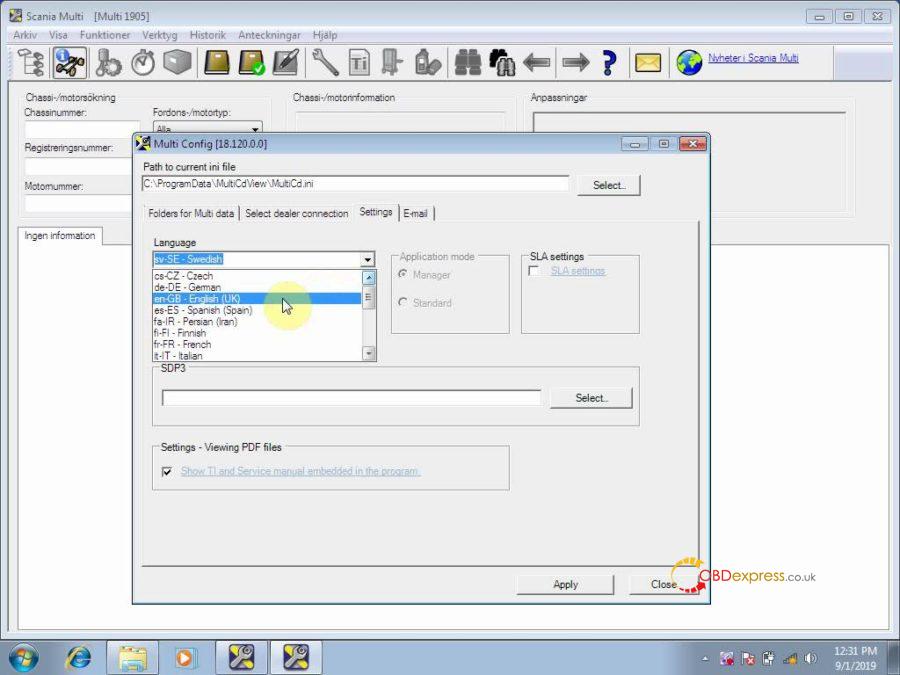
Then close Multi and open it again.
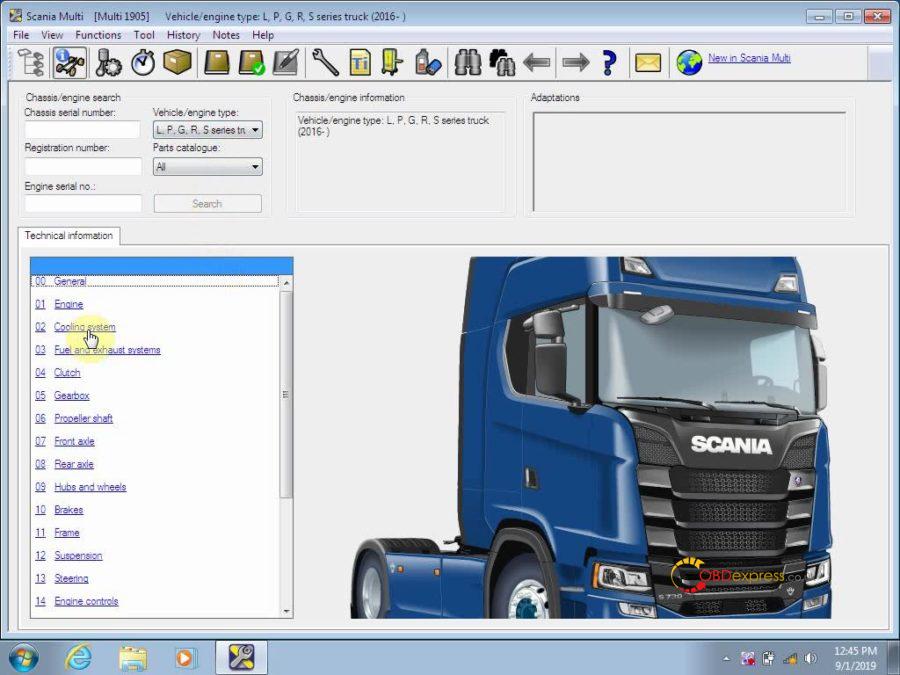
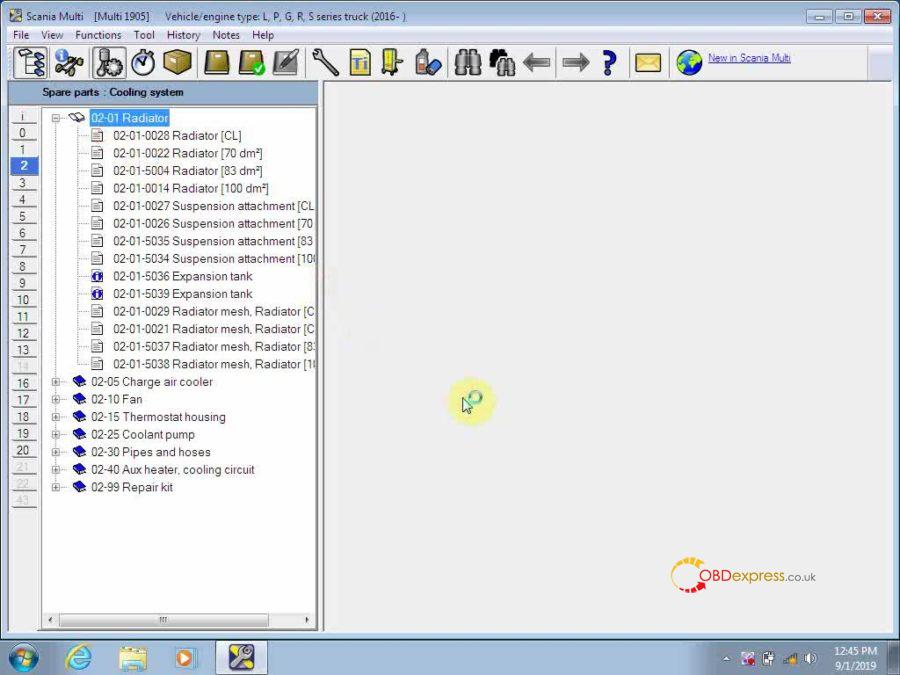
Now you are ready to choose the Vehicle/ engine type and check the technical information.
Done!
Multi 2019.05 Spare Parts Catalog & Service Information for Scania send by CD Best Price here:
http://www.obdexpress.co.uk/wholesale/scania-multi-spare-parts-catalog-service-information.html
Posted by: OBDexpress.co.uk at
10:03 AM
| No Comments
| Add Comment
Post contains 337 words, total size 62 kb.
35 queries taking 0.2658 seconds, 115 records returned.
Powered by Minx 1.1.6c-pink.

