



January 21, 2016
This is the instruction on installation of
Free download
Driver for VXDIAG VCX NANO/ VCM 2
Compatible device:
VXDIAG VCX NANO for Mazda (both
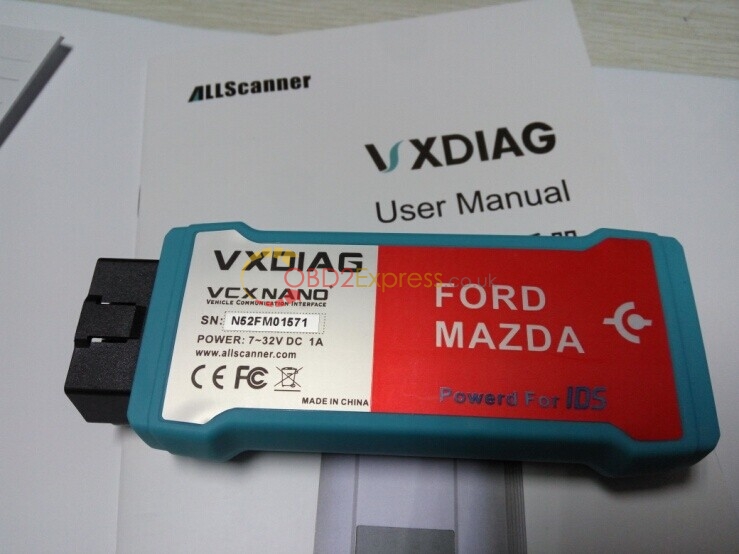
OS requirement:
WINDOWS XP/ WIN 7
How to install Mazda IDS 98
Video guide:
https://mega.nz/#!J1FQRaLT!ycqVpnr6TUepWAs2ingLqfUxrQd_F37_6-X35oHA2K0
Step-by-step instruction:
Step 1 install
Open Mazda IDS 98 disk.
Open .exe file- Mazda_IDS_98.00, to begin installation.
Select language. Here: English. Then click Next.
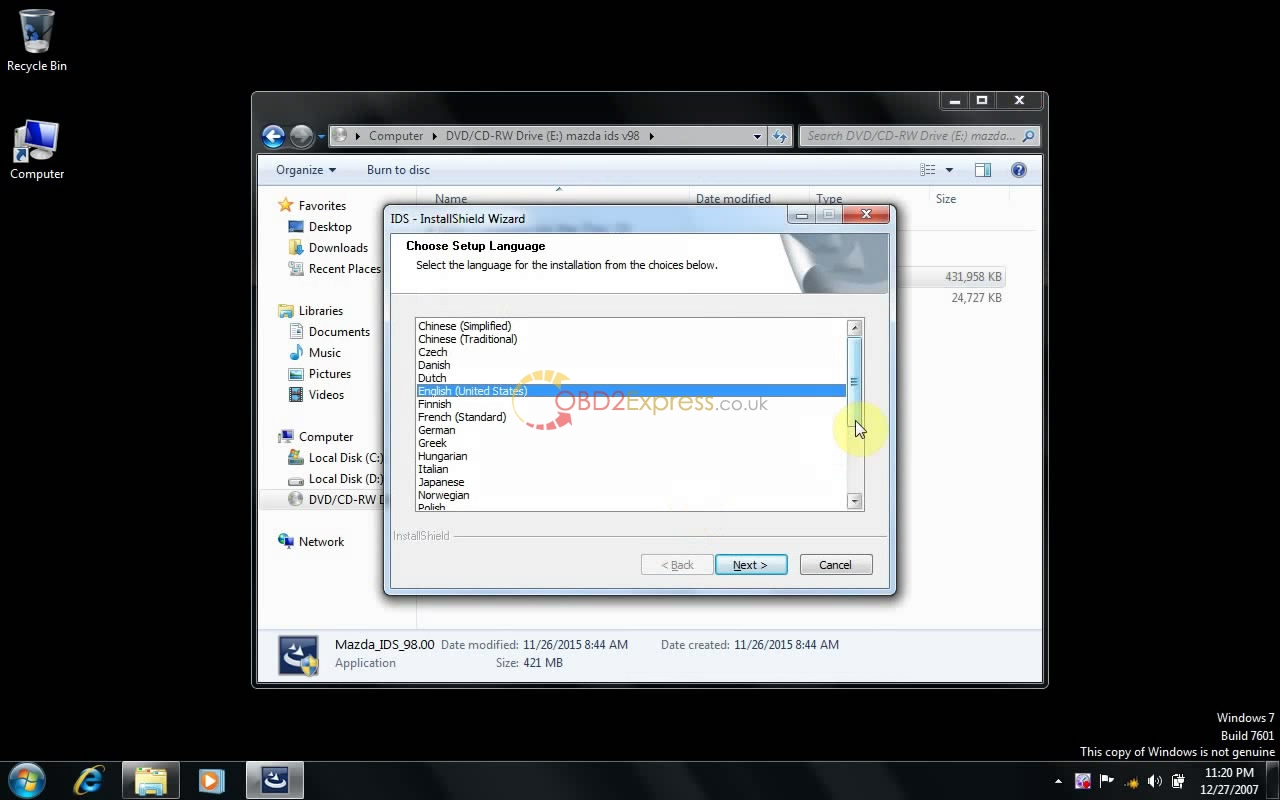
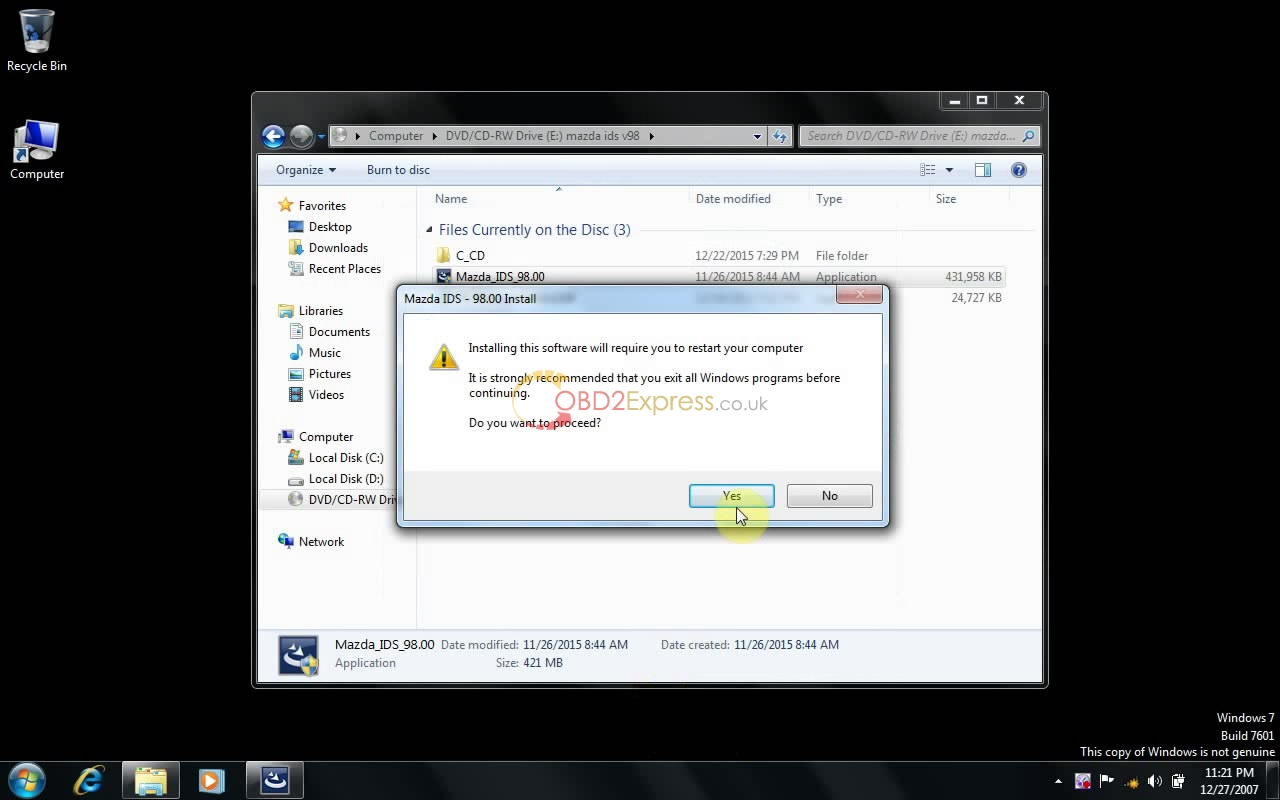
Preparing IDS setup...
Click Yes to proceed.
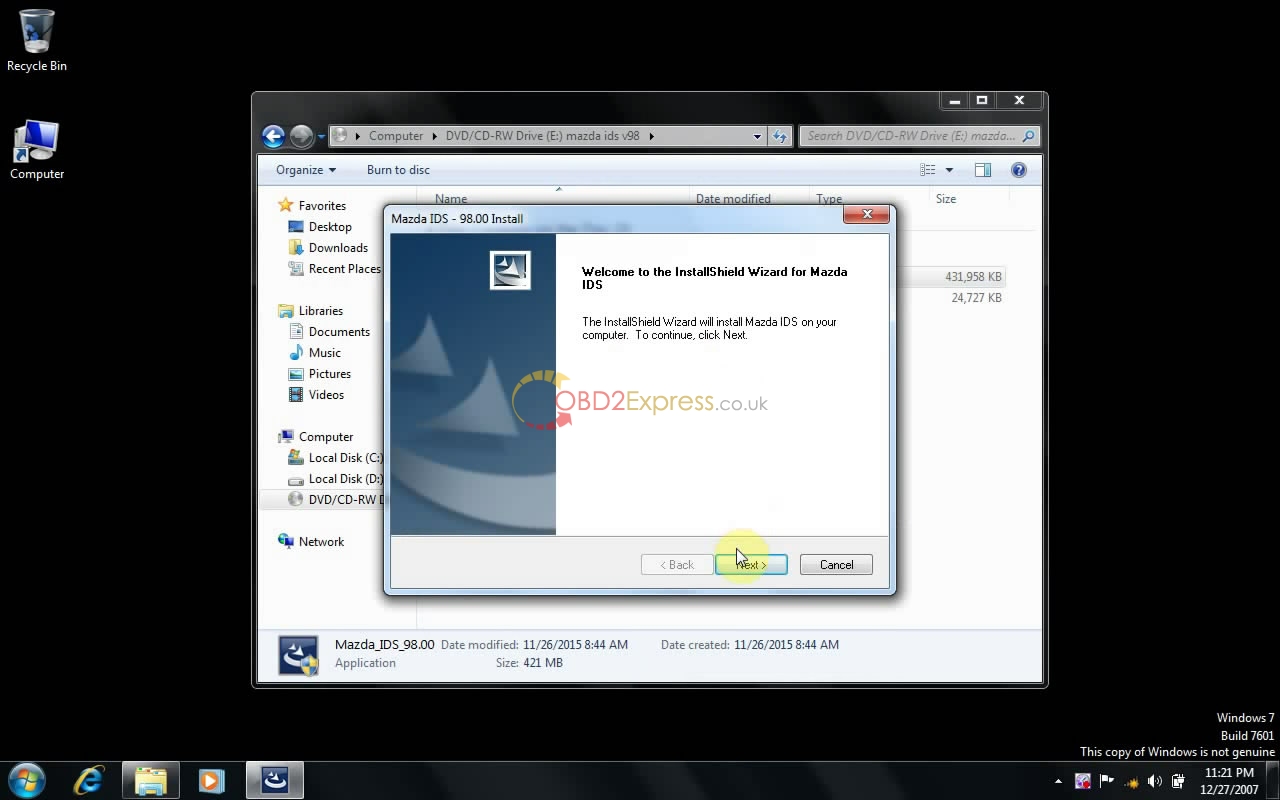
Click Next to install Mazda ids.
Accept the agreement to go on.
Click Next.
Click Install.
Installing IDS.... (10 minutes needed)
Click Reboot to restart your computer.
Step 2 install Mazda C93
Back to Mazda IDS 98 disk.
Open the folder C_CD>>setup.exe
Click Next to install C93.
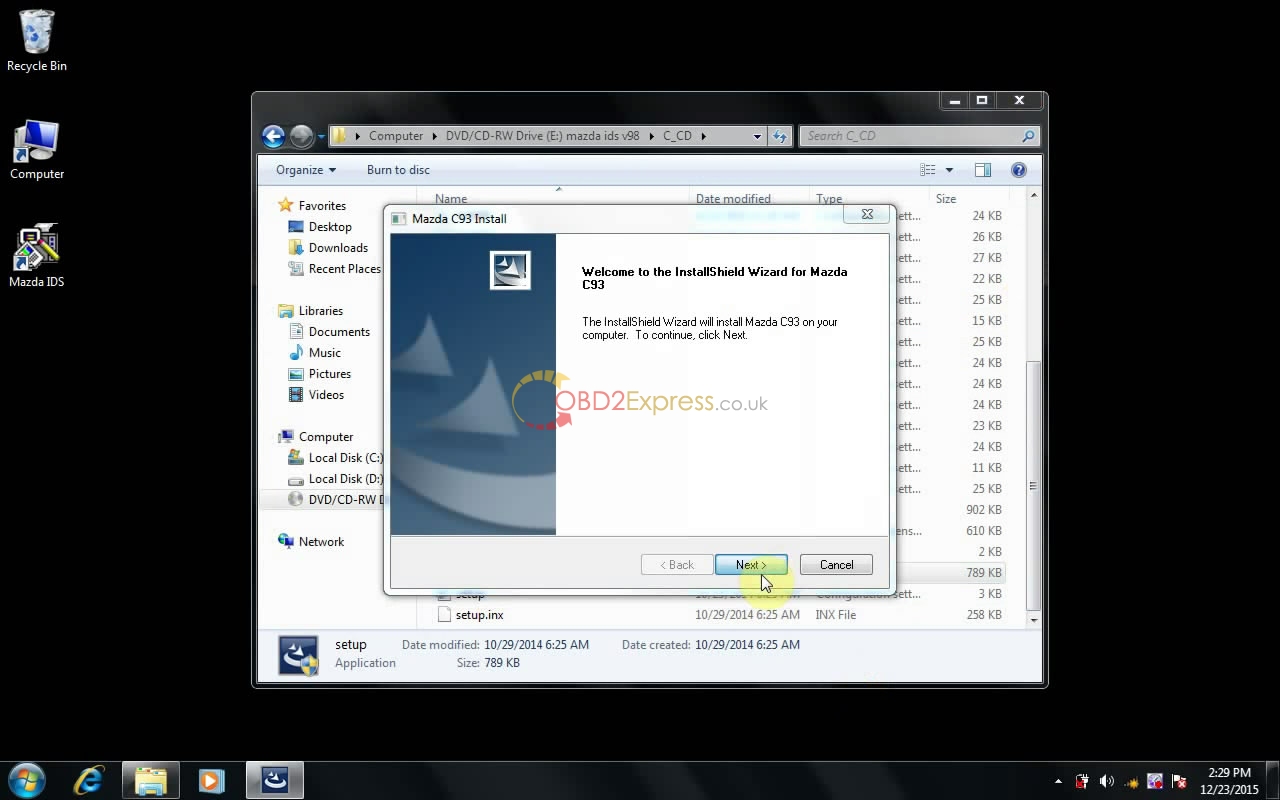
Click Next.
Click Install.
Installing Mazda C93.... (10 minutes needed)
Click Finish when successfully install Mazda C93.
Step 3 install VX Manager
Back to Mazda IDS 98 disk.
Open VX Manager 1.0.6.1218.
Click Next to install VX Manager.
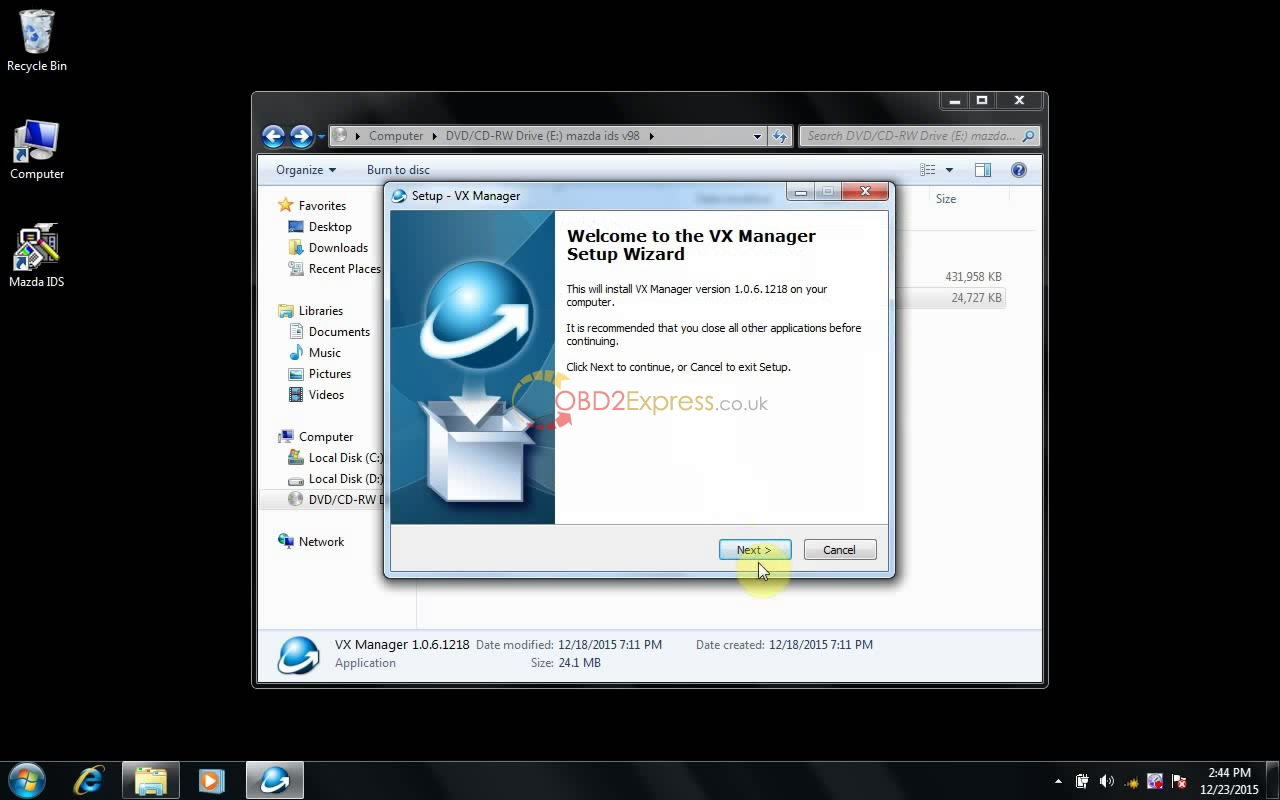
Accept the agreement and click Next.
Click Next.
Click Next.
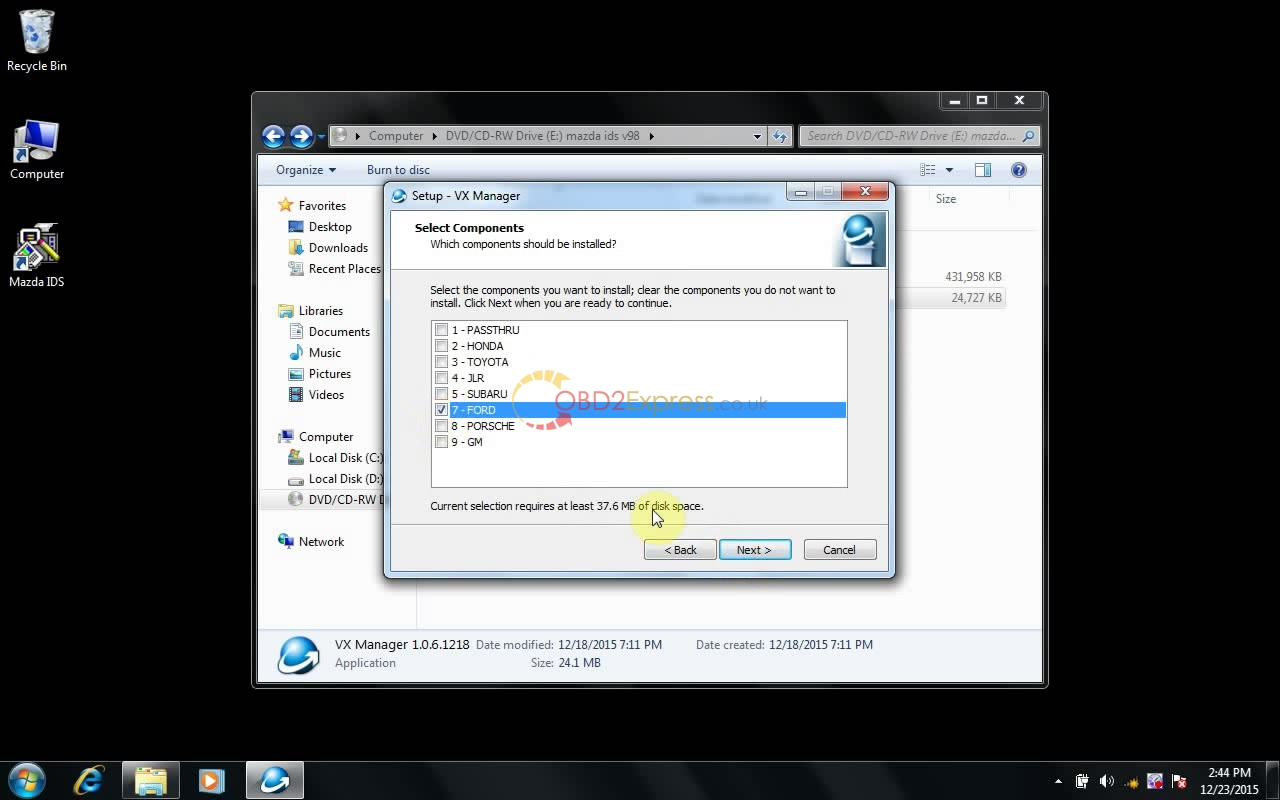
Select Ford, and click Next.
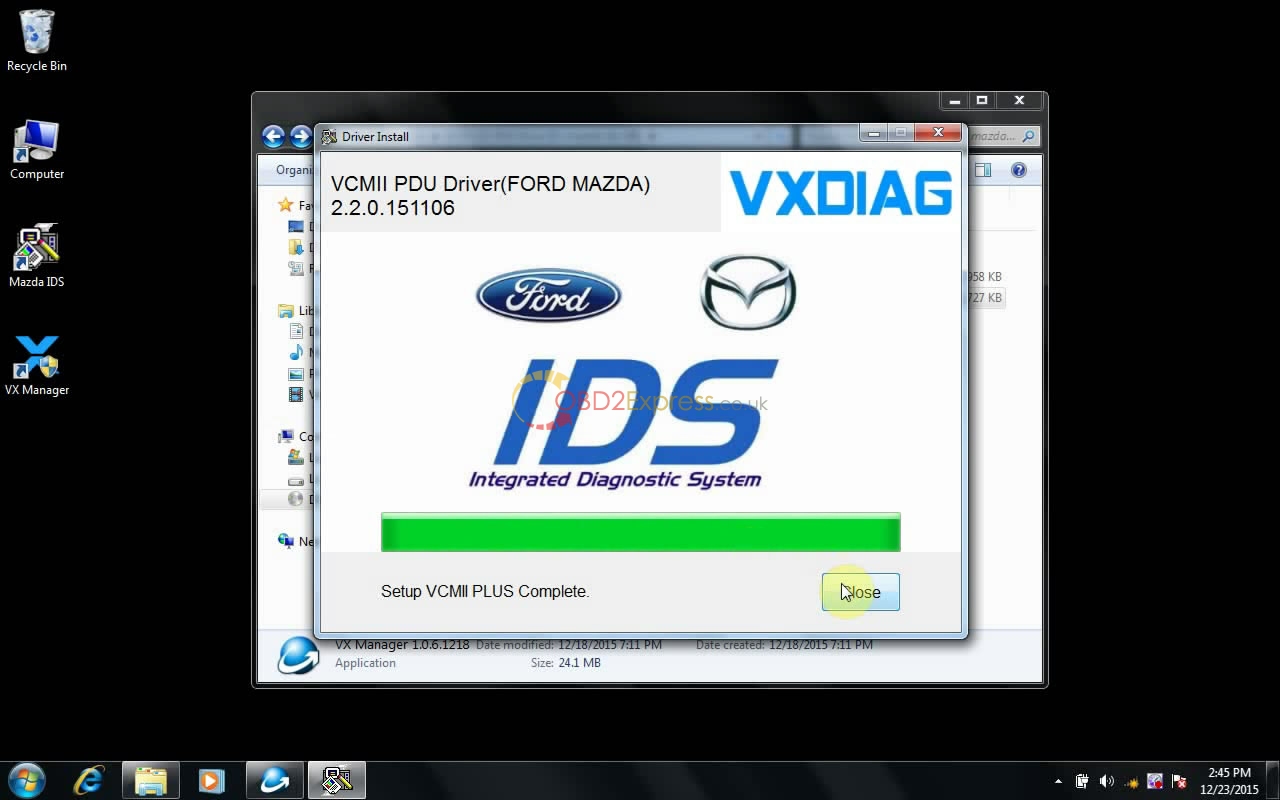
Software automatically run...
Click Close.
Click Finish.
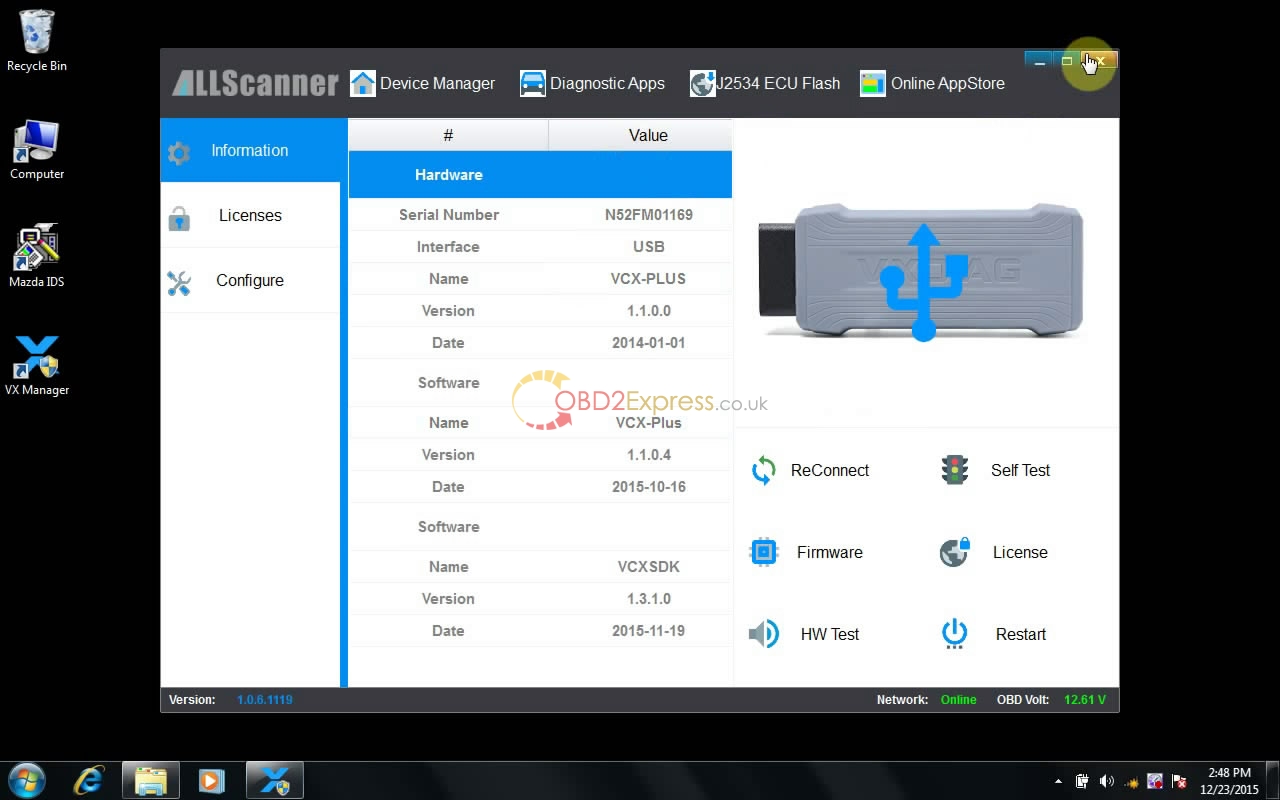
Check: Open VX Manager on Desktop, and then close it.
 " width="650" height="406" />
Step 4
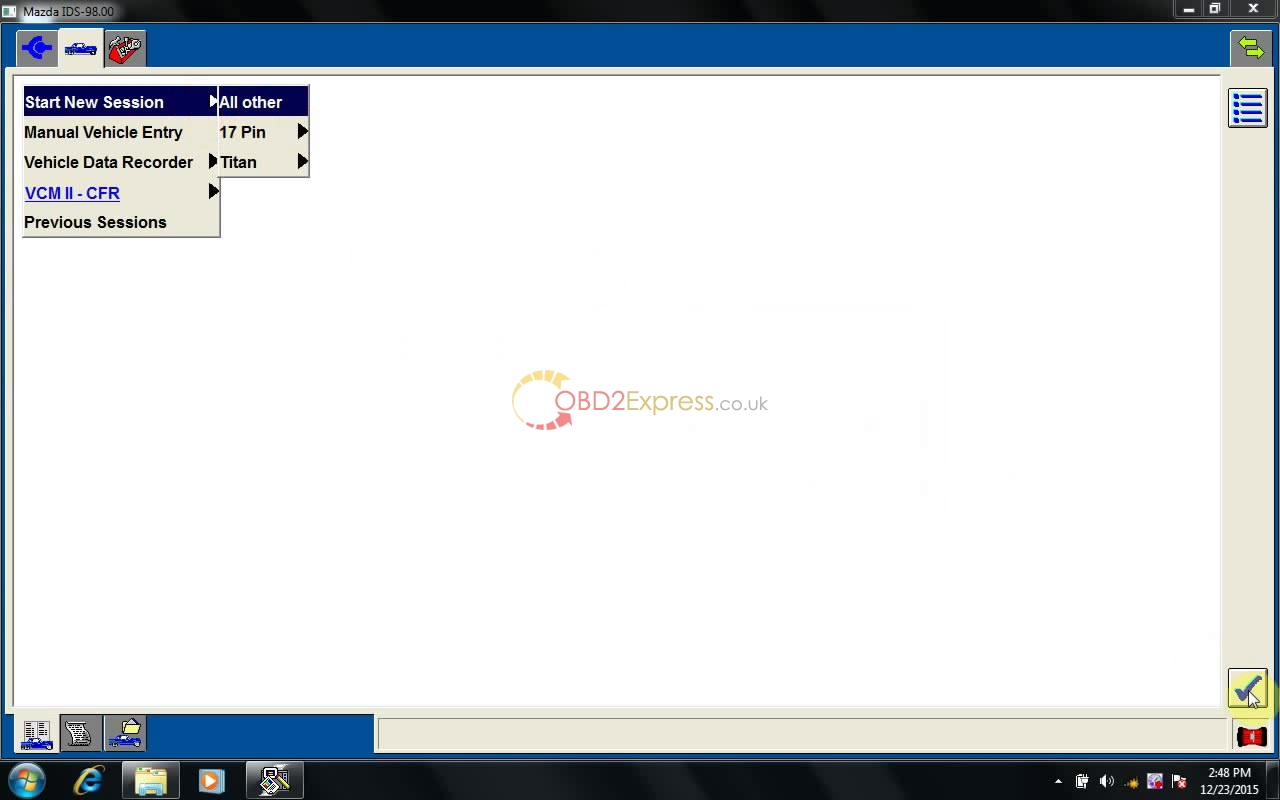
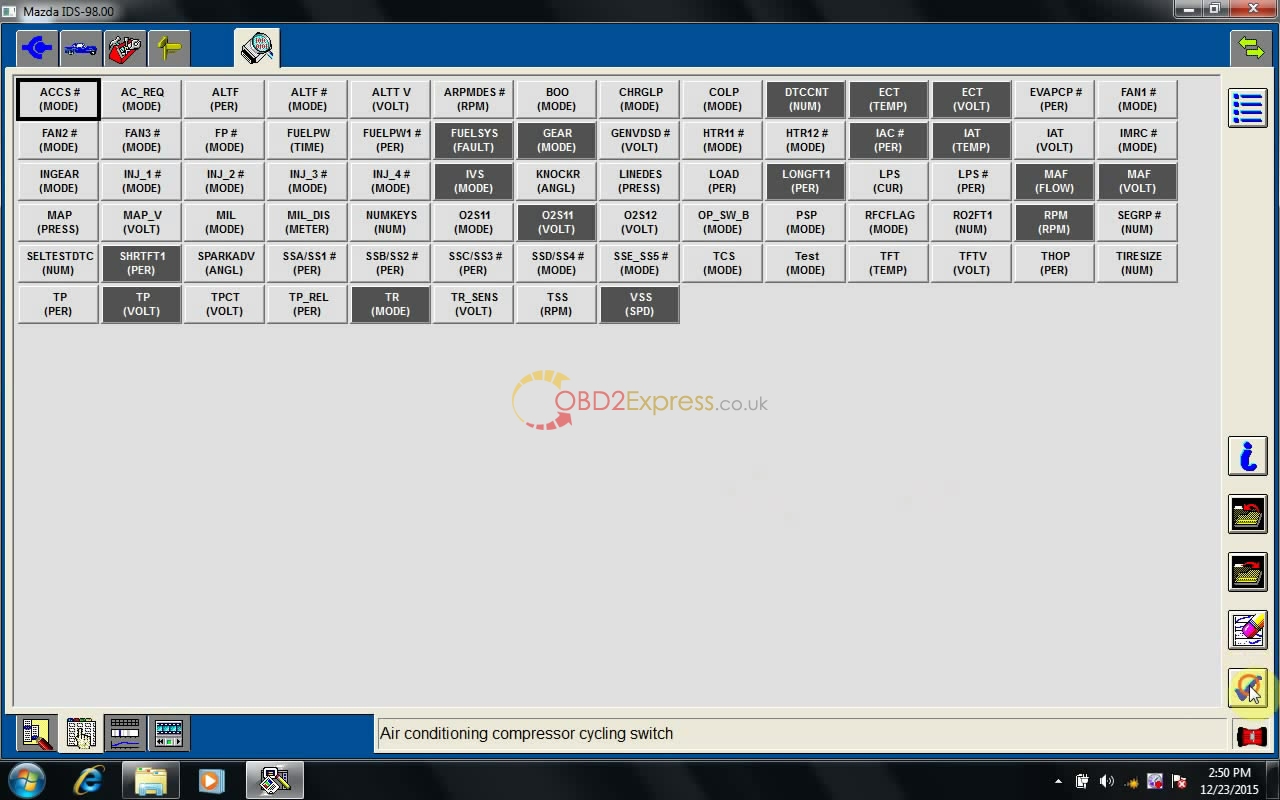
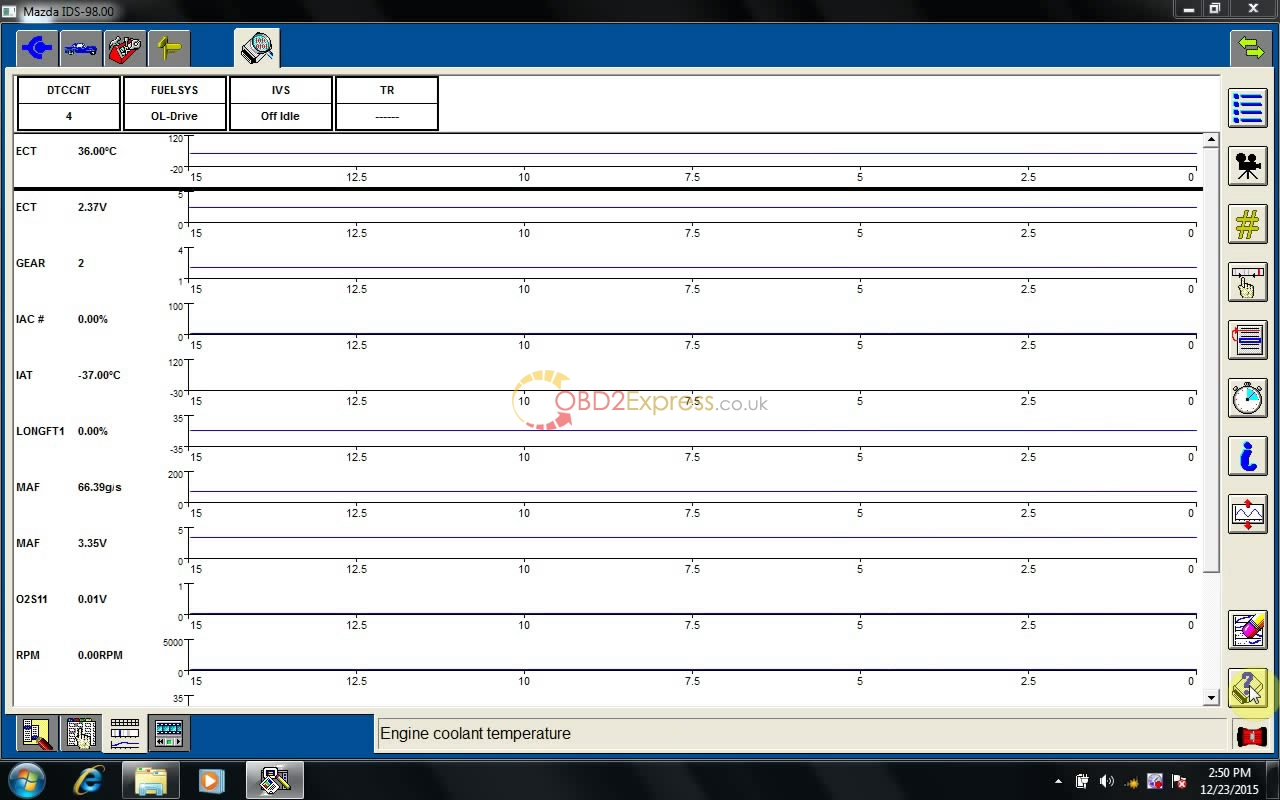
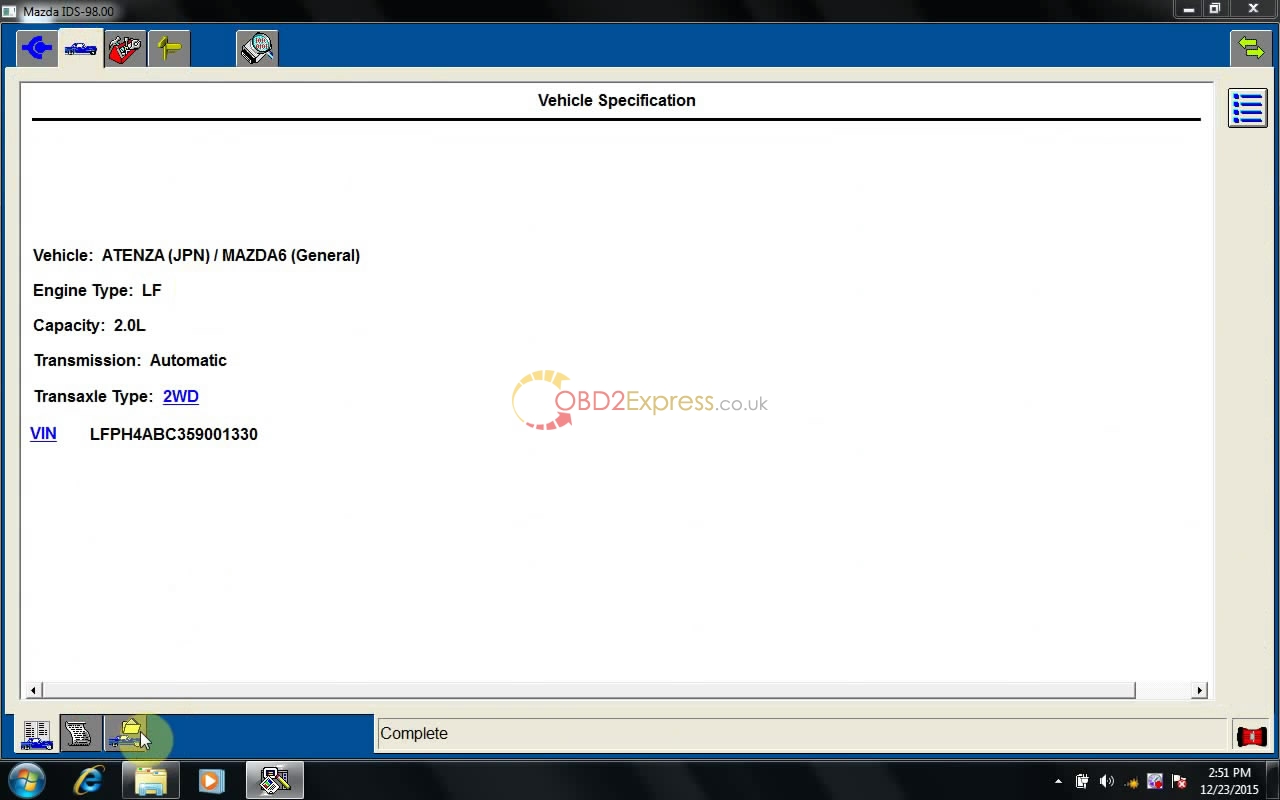
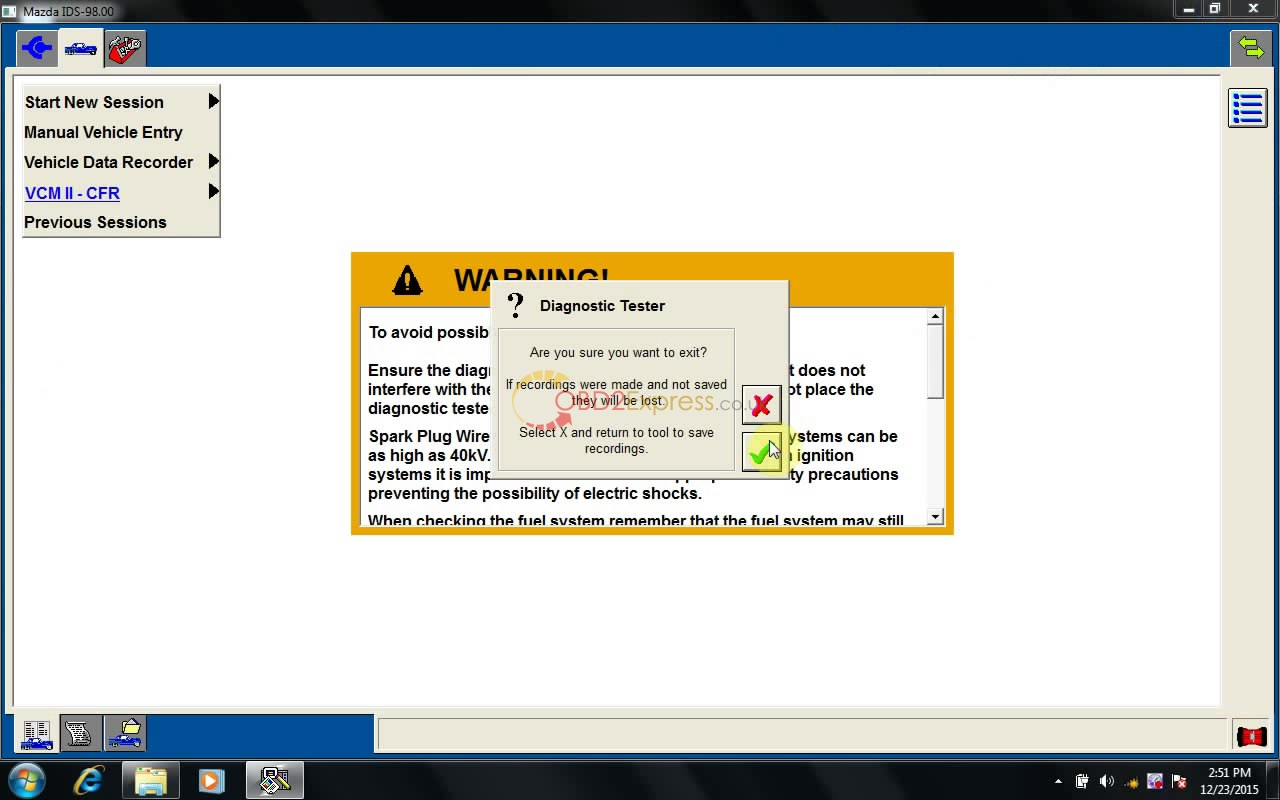
Open Mazda IDS on Desktop.
Dealer type: non-dealer. Country: CHILE. Then click the tick button.
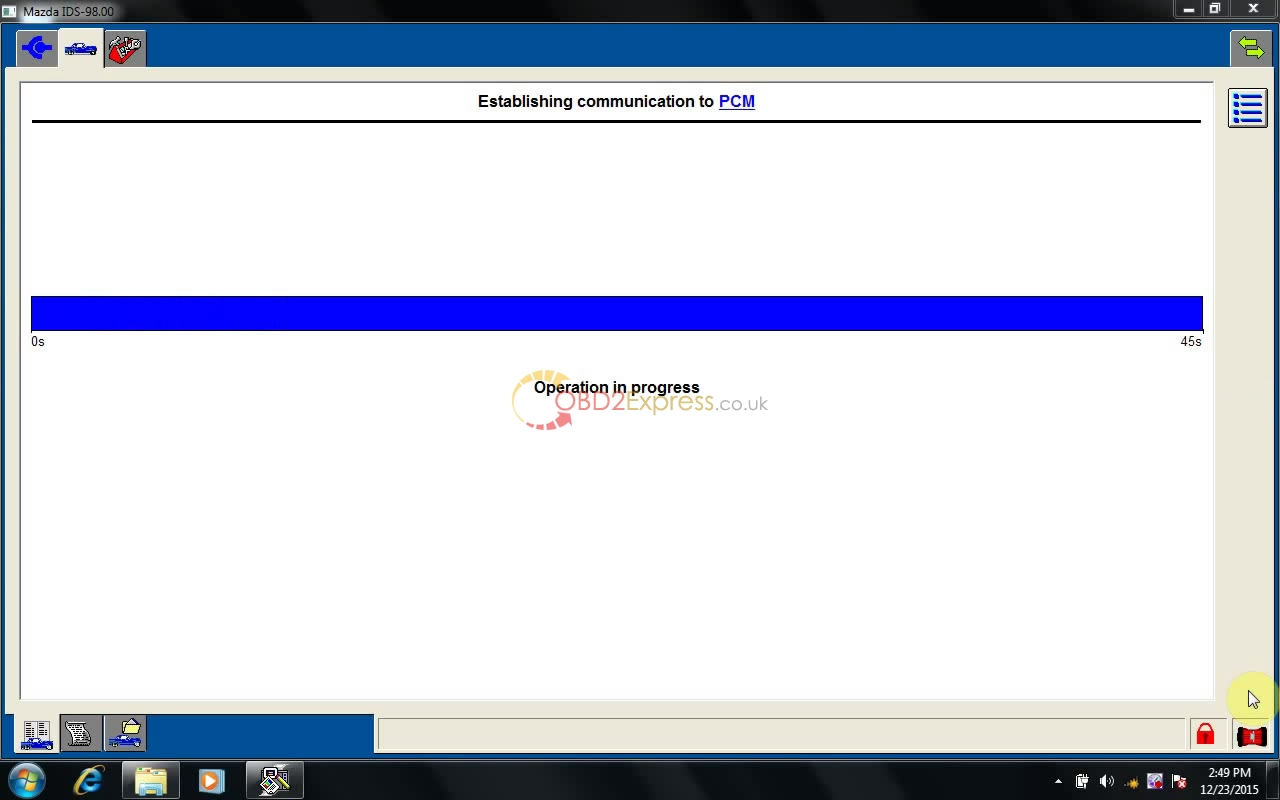
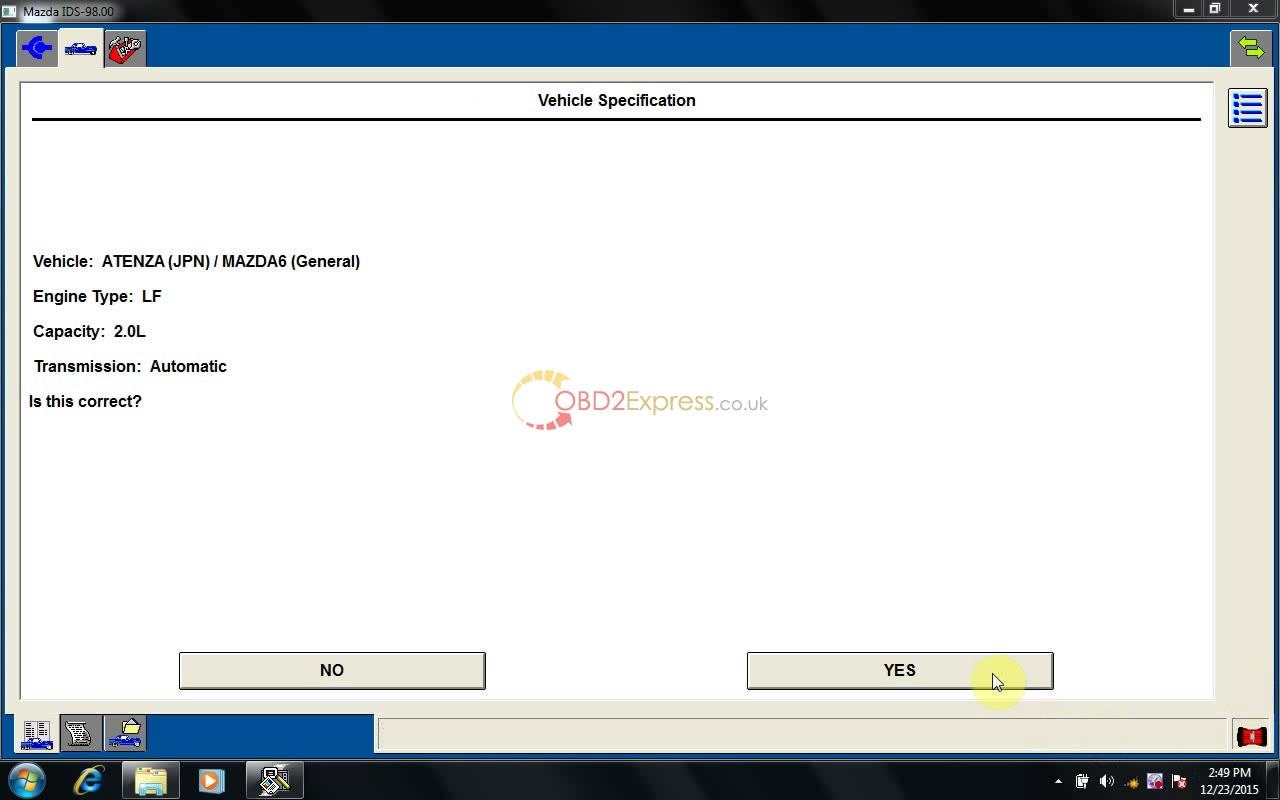
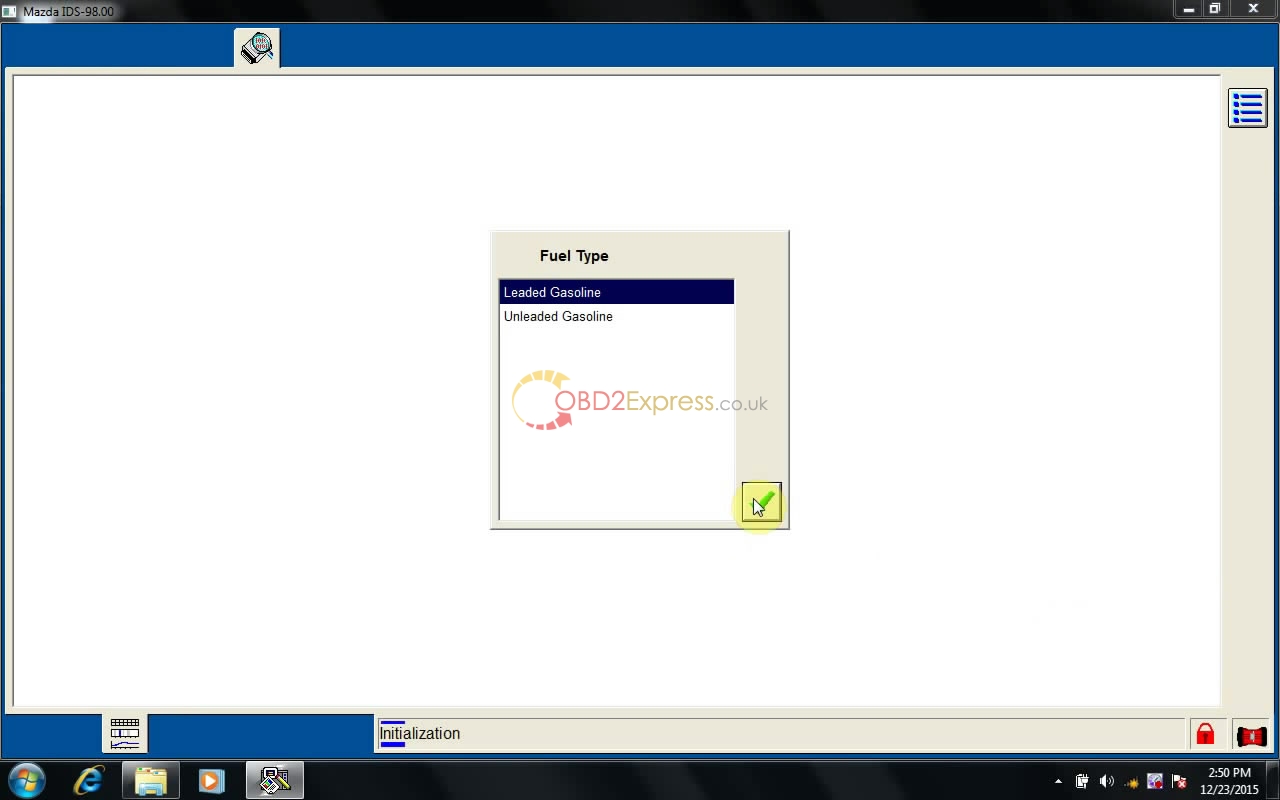
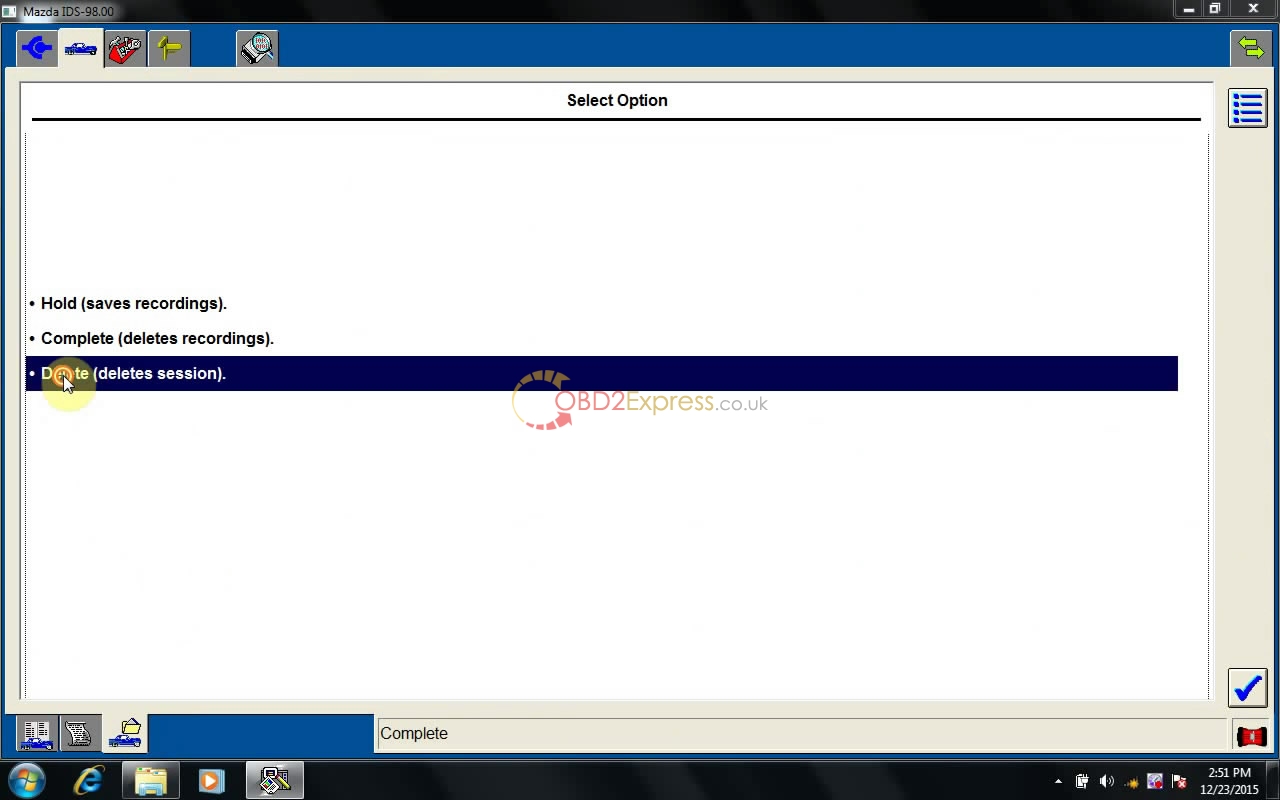
then please follow the screen.
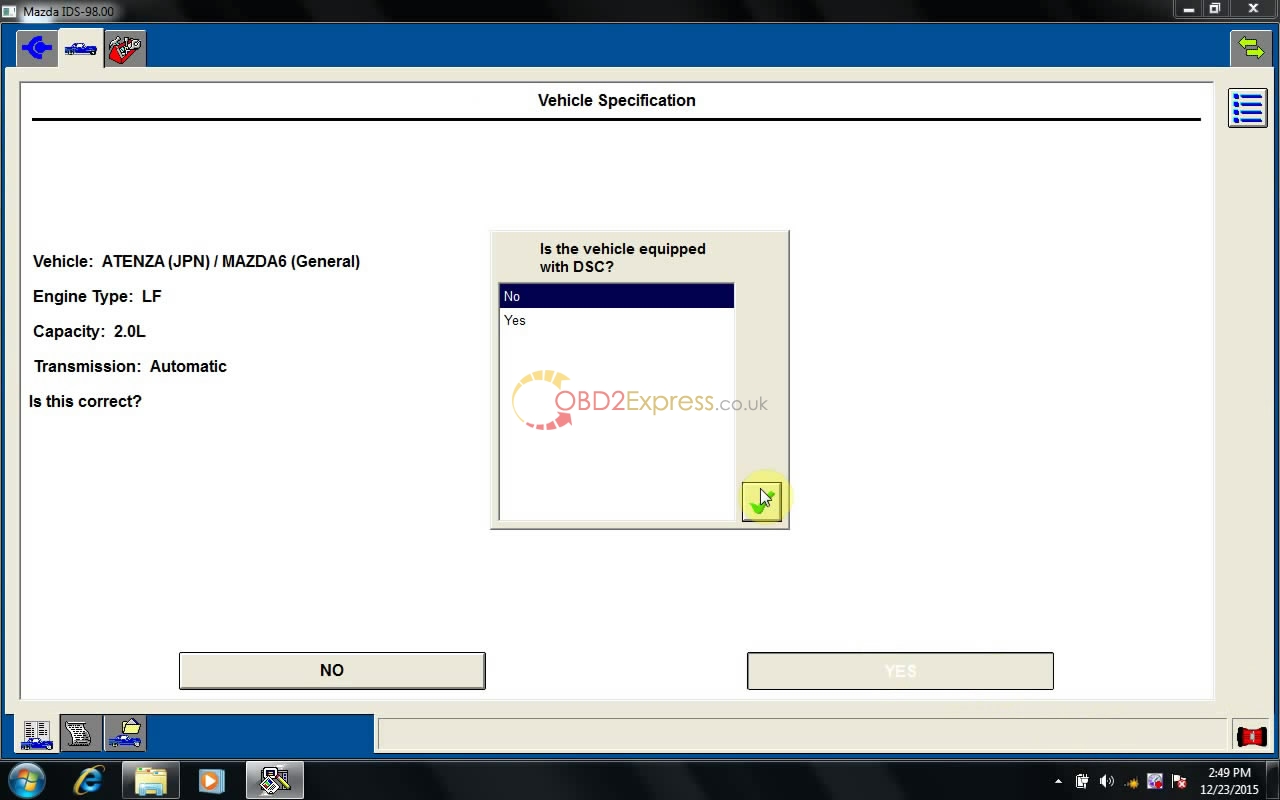
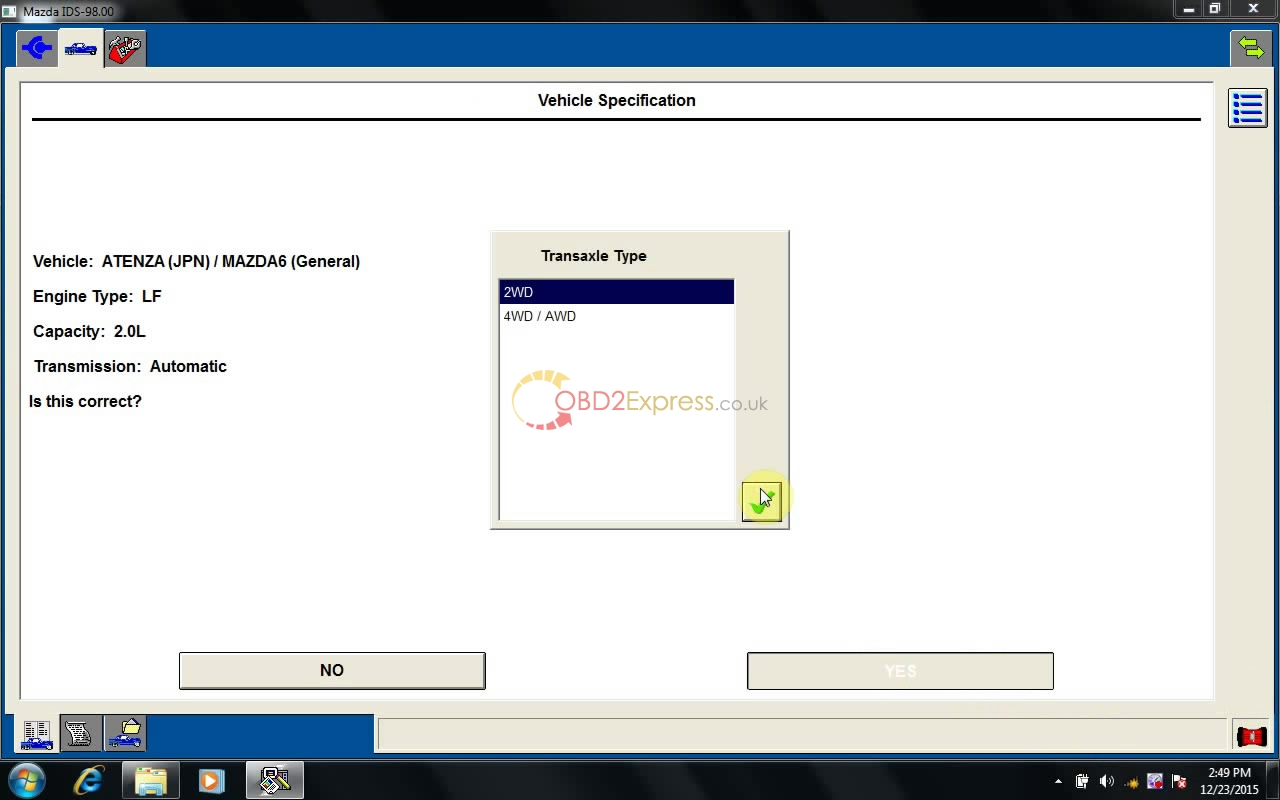
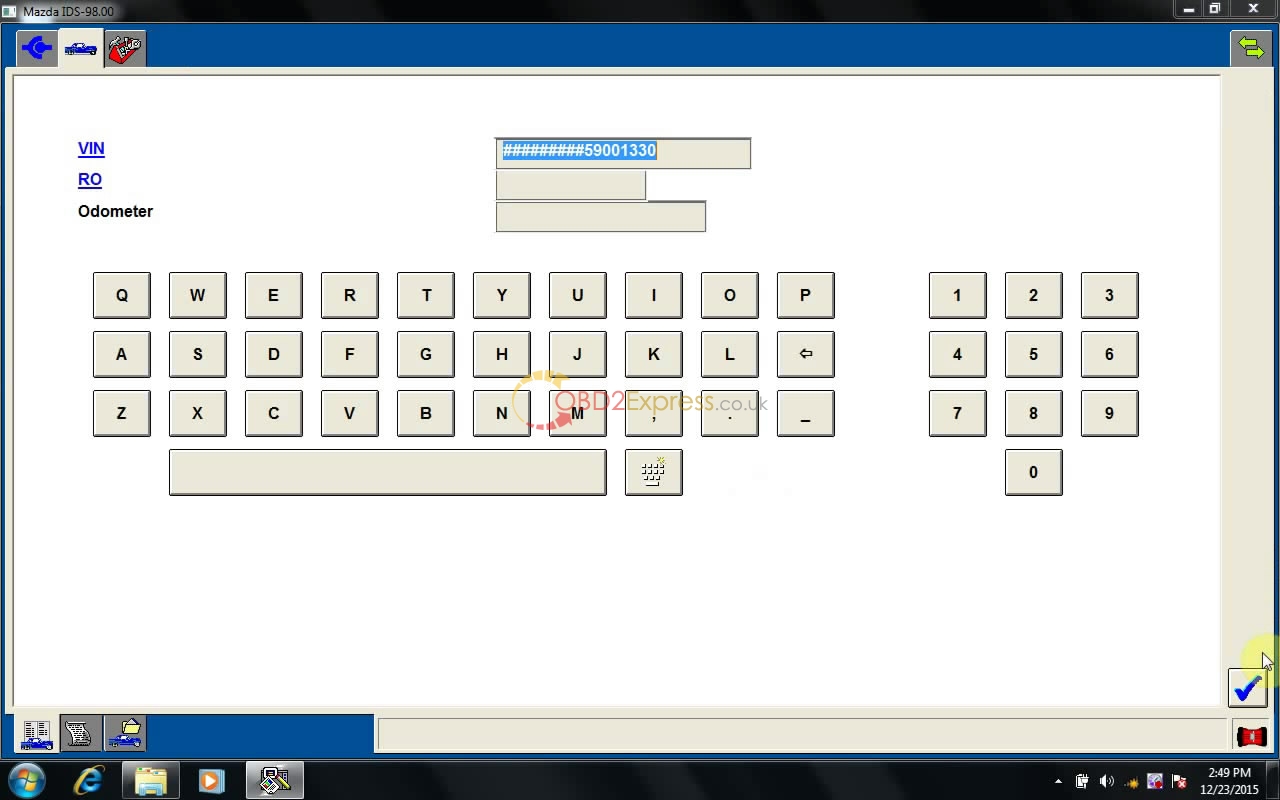
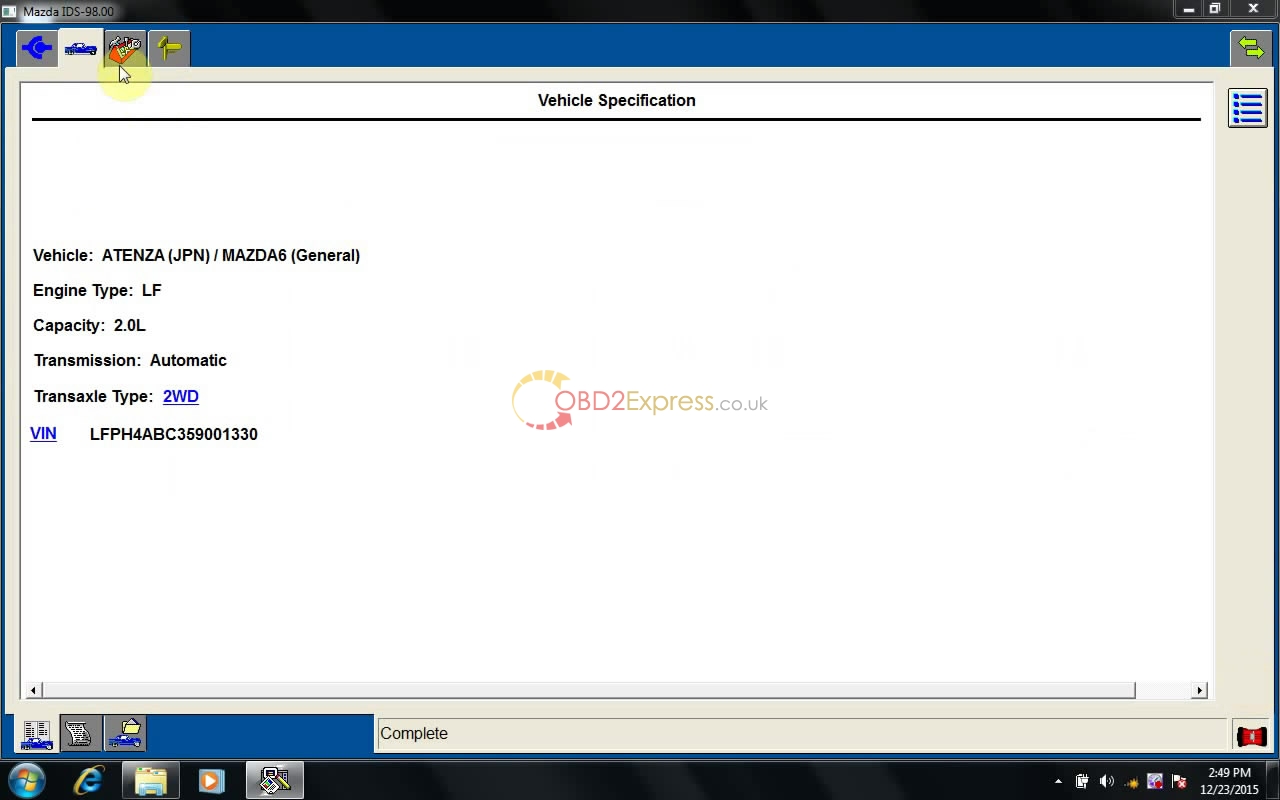
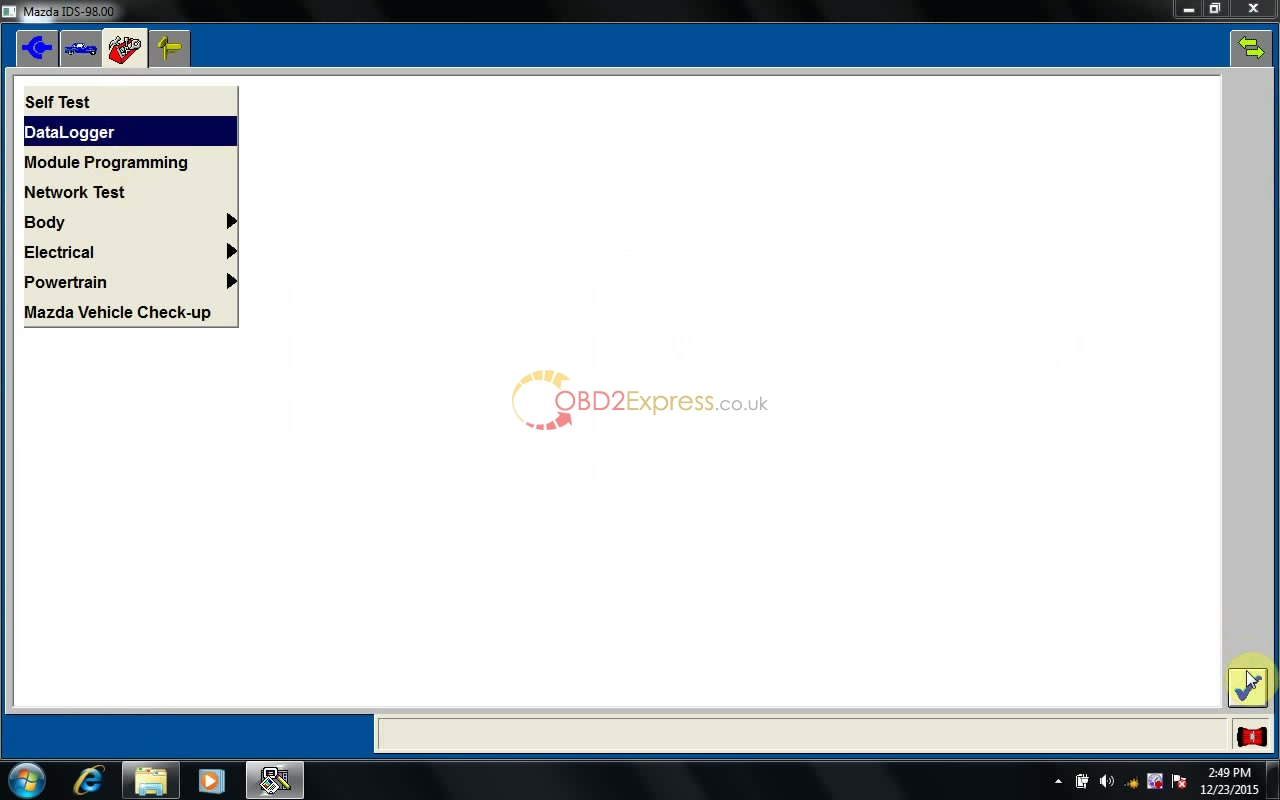
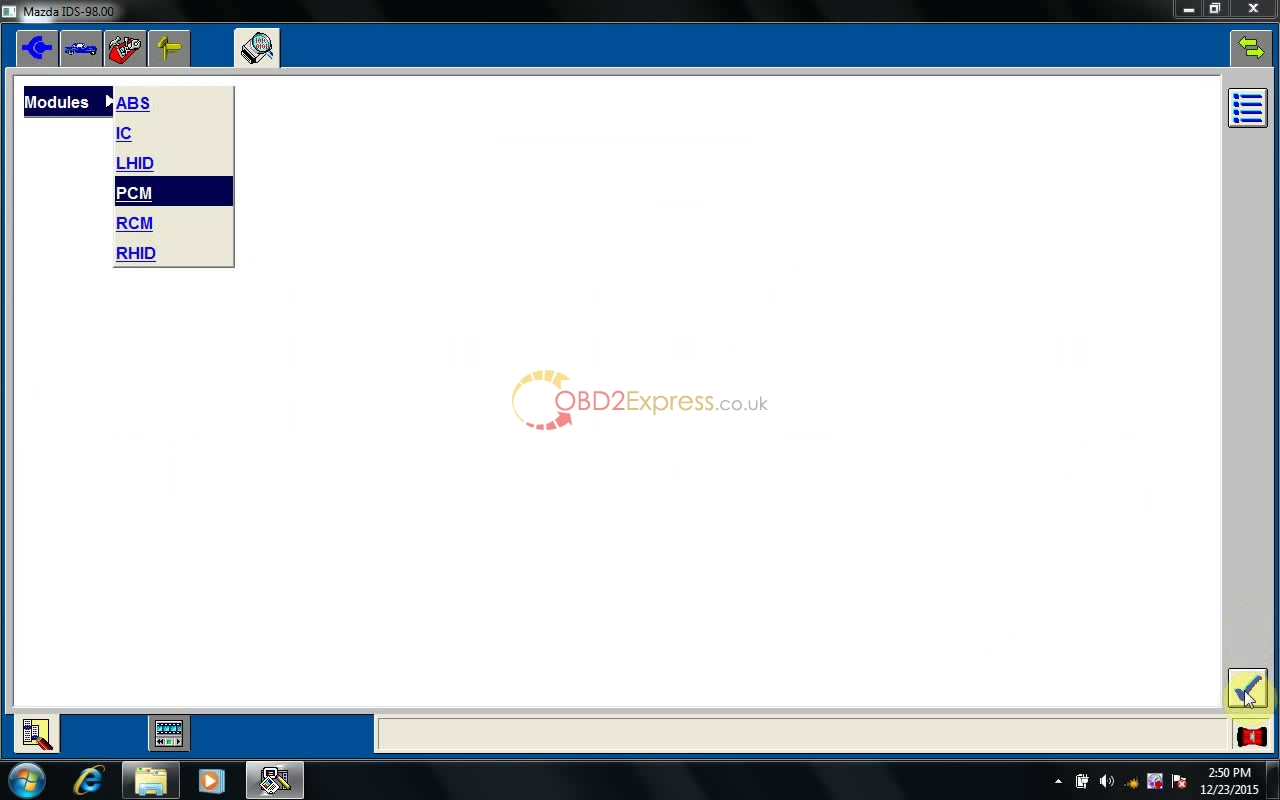
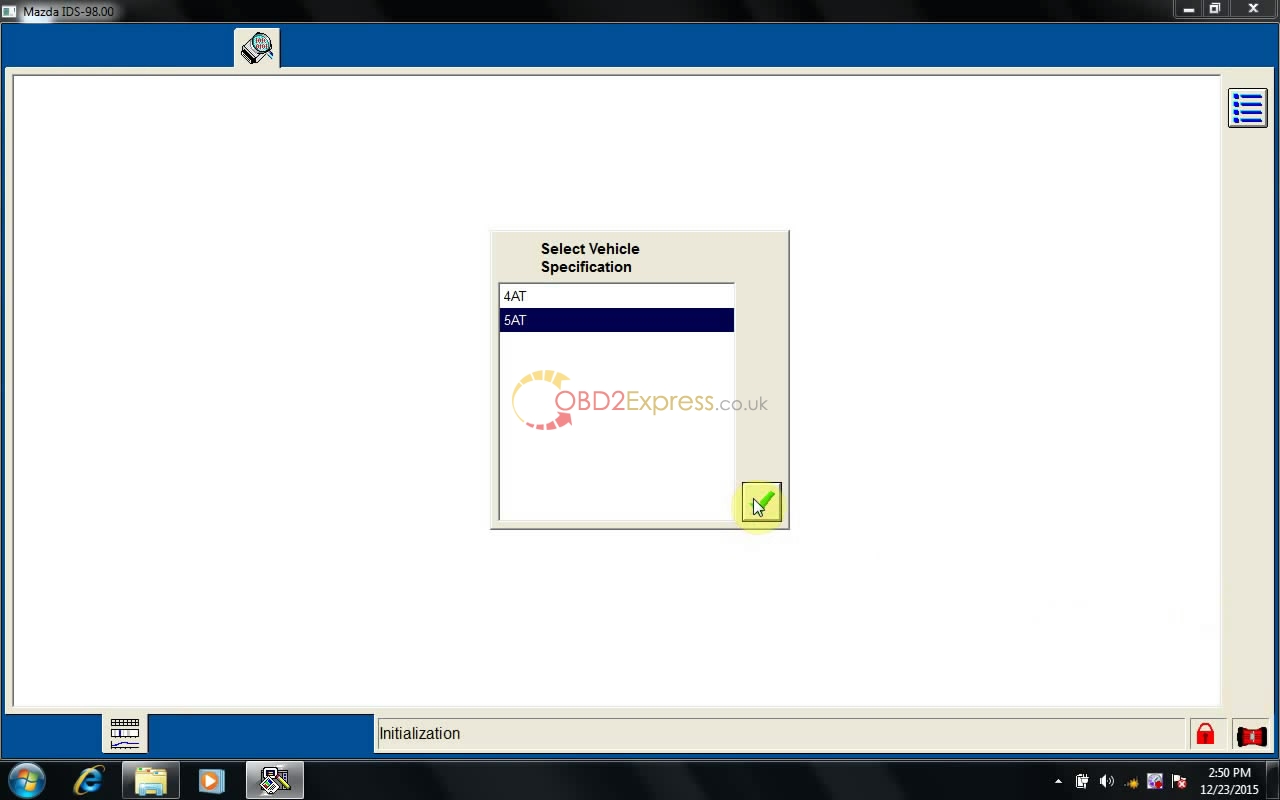 " width="650" height="406" />
Posted by: OBDexpress.co.uk at
09:39 AM
| No Comments
| Add Comment
Post contains 244 words, total size 9 kb.
35 queries taking 0.0581 seconds, 115 records returned.
Powered by Minx 1.1.6c-pink.

