July 06, 2018

How to install Ford IDS + Mazda IDS in one PC

Here, wehave 3 ways to install Ford IDS and Mazda IDS in a computer/laptop:


Option 1:

One native install (e.g. Mazda IDS) and the other one on VMWare


Option 2:

Install and boot multiple operating systems using something likeBoot ItBare Metal from Terabyte. Btw, I can recommend this one as it works like a charm. Never had any problems managing my partitions.


Option 3:

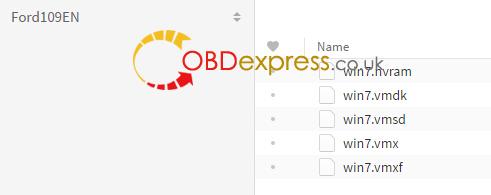
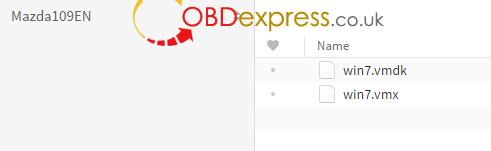
Have both invmware–

you can find them on here as premade images just browse to automotive software forum then tovmware

usingvmwareis very easy and it has the advantage that if you mess up the program installation then you can just reload the image and be up and running in a fewminuites

also withvmwareyou can stop it going onto the internet by disabling the VM network adapter, but still be on the internet with your computer so you can google the problem or find the file you need and then just drag and drop itinotthe VM


VMWare 12.5.0 download:

https://mega.nz/#!s8lXyC5J!QUf2fV8yyxuKZ_oeniO18d1_7WMxADigUcUqOAhKuuA

pass: n8K684gE

it’s SCOTT’s work


IMPORTANT: the best way is to use VMware.

Some install both Ford and Mazda onrealmachine by install Mazda first, after that change the path of Mazda, then install Ford. But not successful by this method!


Free download Ford/Mazda IDS 109latest version: (100% tested)

Ford IDS 109 download:

ford-ids-109-download


Mazda IDS 109 download:

MAZDA-ids-109-download


Mazda IDS108 download:

Ford IDS 107 download:

Ford IDS 98 VMware download:


Ford/Mazda IDS above tested by professional working for obdexpress.co.uk

Confirmed to work 100% withVXDIAG VCX NANO Ford/Mazda

You can use the link with relief!

Src:

Posted by: OBDexpress.co.uk at 07:03 AM | No Comments | Add Comment
Post contains 273 words, total size 22 kb.


What colour is a green orange?


36kb generated in CPU 0.4378, elapsed 0.4695 seconds.
35 queries taking 0.4033 seconds, 115 records returned.
Powered by Minx 1.1.6c-pink.