



October 10, 2018
Guide
Tool
Car: BMW F10 series
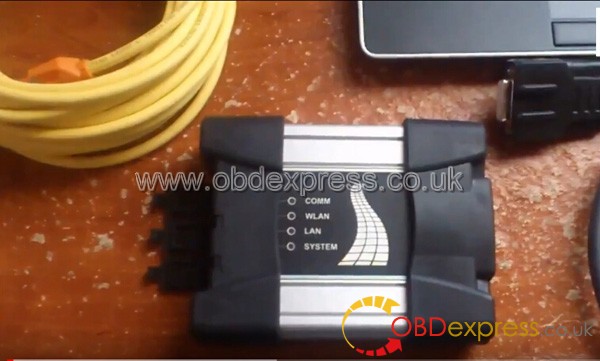
- DHCPIhave configured this to work before with
achineseclone but ISTA+wontconnectwith ICOM Next. Configured ICOM to DHCP, did the same to TP-Link router. Submask for LAN the same for ICOM and router. Iget identificationerror . If I remove router,connectionis OK except for ICOM Direct interface option in ISTA. I followed the numerous DHCP configuration instructions found around the internet. - WIFI OptionIt is quite frustrating finding info from the forums. All posters assume everyone is at the knowledge level they are at. I have Icom next genuine and TP-Link router. I tried setting up WLAN and
myicomcame up with"UNSUPPORT service" initoolradarand green light in WLAN when ethernet disconnected. ethernet was then failing to connect so restored the ICOM. Got me really worriedHowevermy .Well , searched a lot ontheweb..
Managed to set up the WIFI. You set up TP-Link as an access point, access key similar to that in ICOM,
Well, I can
My connection issue was VMware adapter. Disabled it and now I can connect by plugging in the TP-Link router to ICOM and setting it up as an access point. ICOM in DHCP, laptop in DHCP. Perfecto!!
TriedMypublicwifi software but it does not run on my win 10, No
Posted by: OBDexpress.co.uk at
06:43 AM
| No Comments
| Add Comment
Post contains 399 words, total size 8 kb.
35 queries taking 0.1654 seconds, 115 records returned.
Powered by Minx 1.1.6c-pink.

